
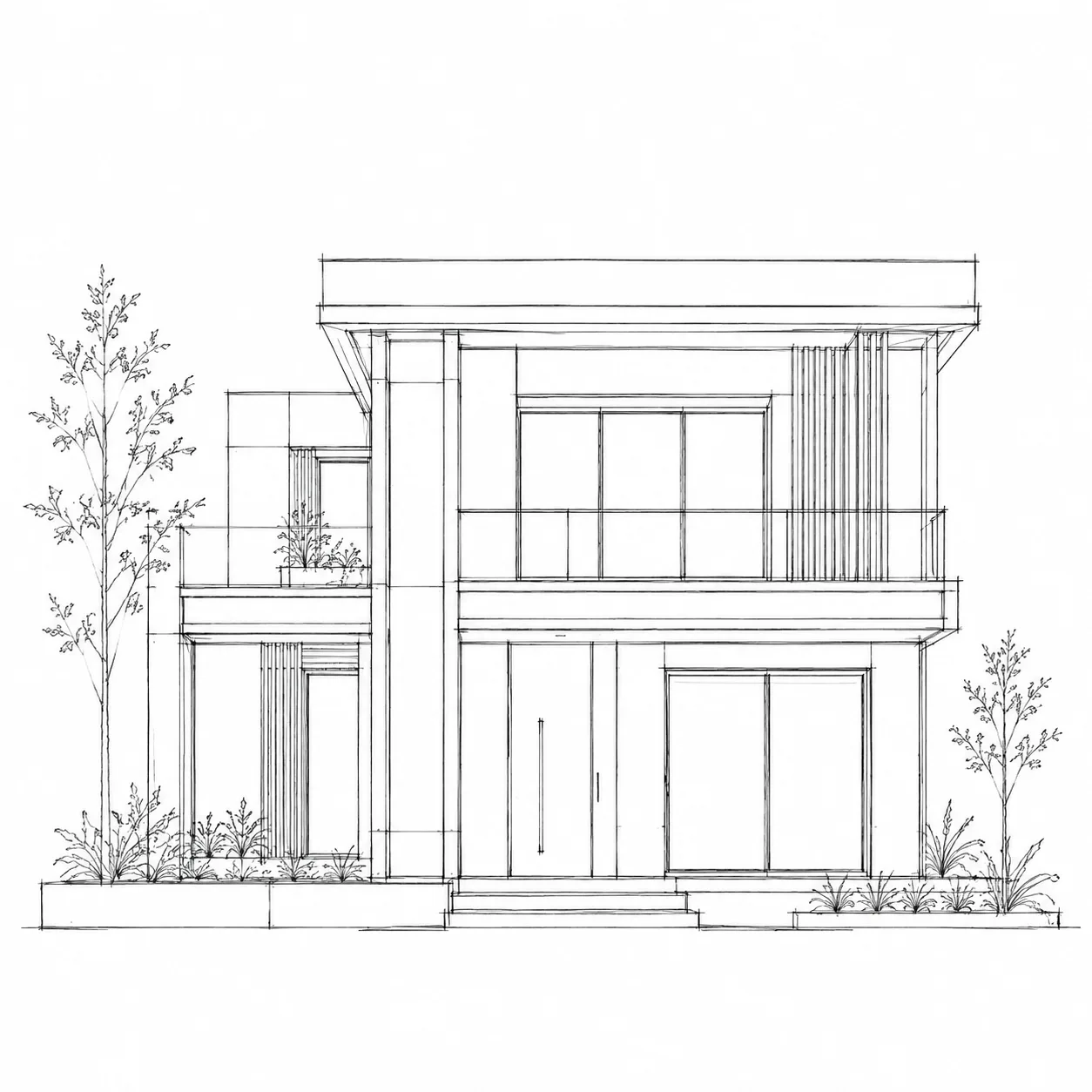
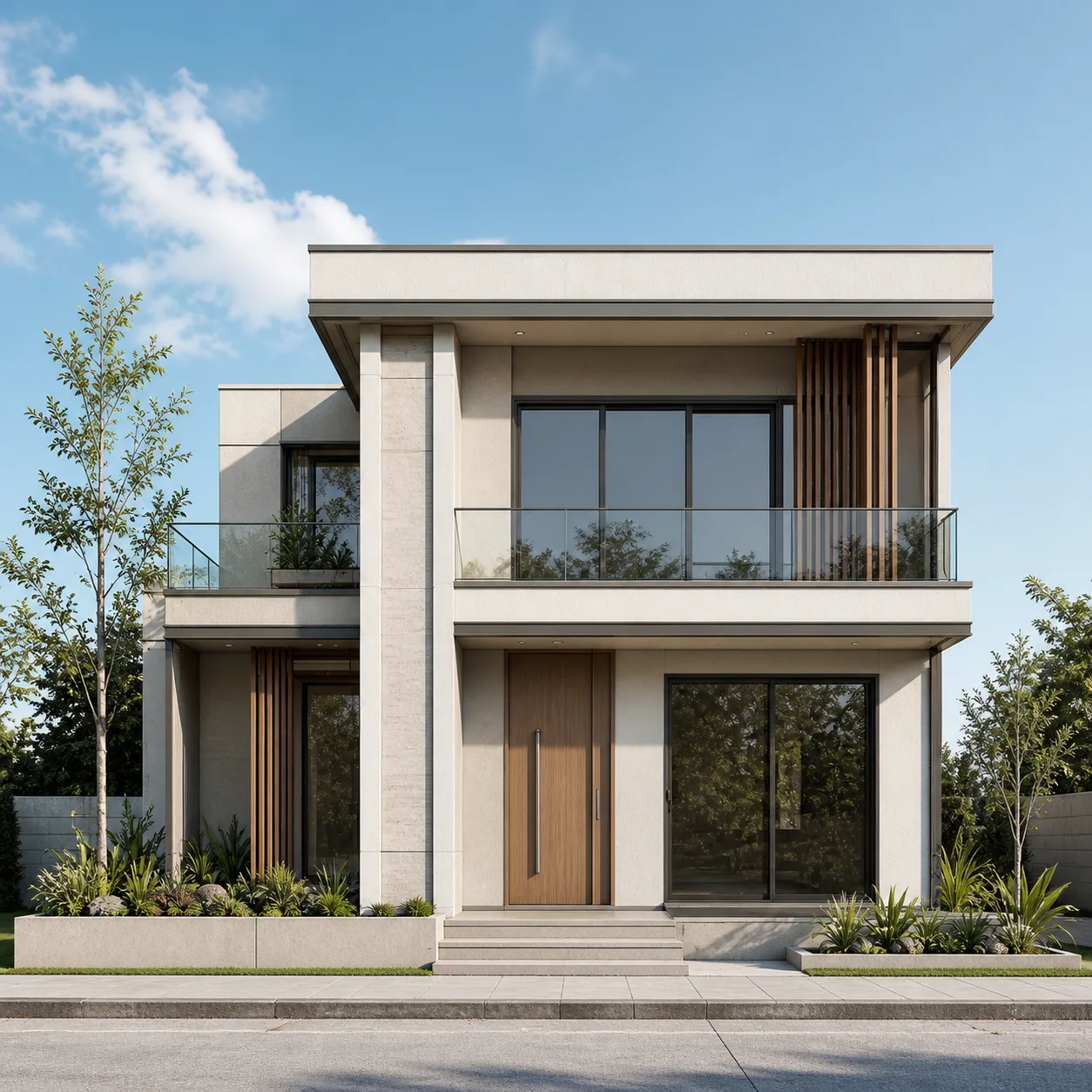
Watch a Floor Plan Animate into a Video
The same floor plan you already generated, brought to life as a fly-through video ready for a listing.
A floor plan animated into a video, start to finish.
How to Animate a Floor Plan with AI
No After Effects, no manual keyframing — turn the floor plan you already generated or uploaded into a video buyers will actually watch.
Upload Your Floor Plan
Pair a 2D floor plan with its rendered interior or 3D view for a Transition, or use one floor plan image for a Drone-style fly-through.
Choose a Transition or Camera Move
Pick a preset — reveal, sweep, zoom — or describe your own pacing and camera path if you want more control.
Generate and Download Your Video
Export at 16:9 for a listing page or 9:16 for social, in 4, 6, or 8 seconds, then download and attach it to the listing the same day.
Everything You Need for a Floor Plan Video
No After Effects, no manual keyframing — just your floor plan, a transition or camera move, and a finished video.
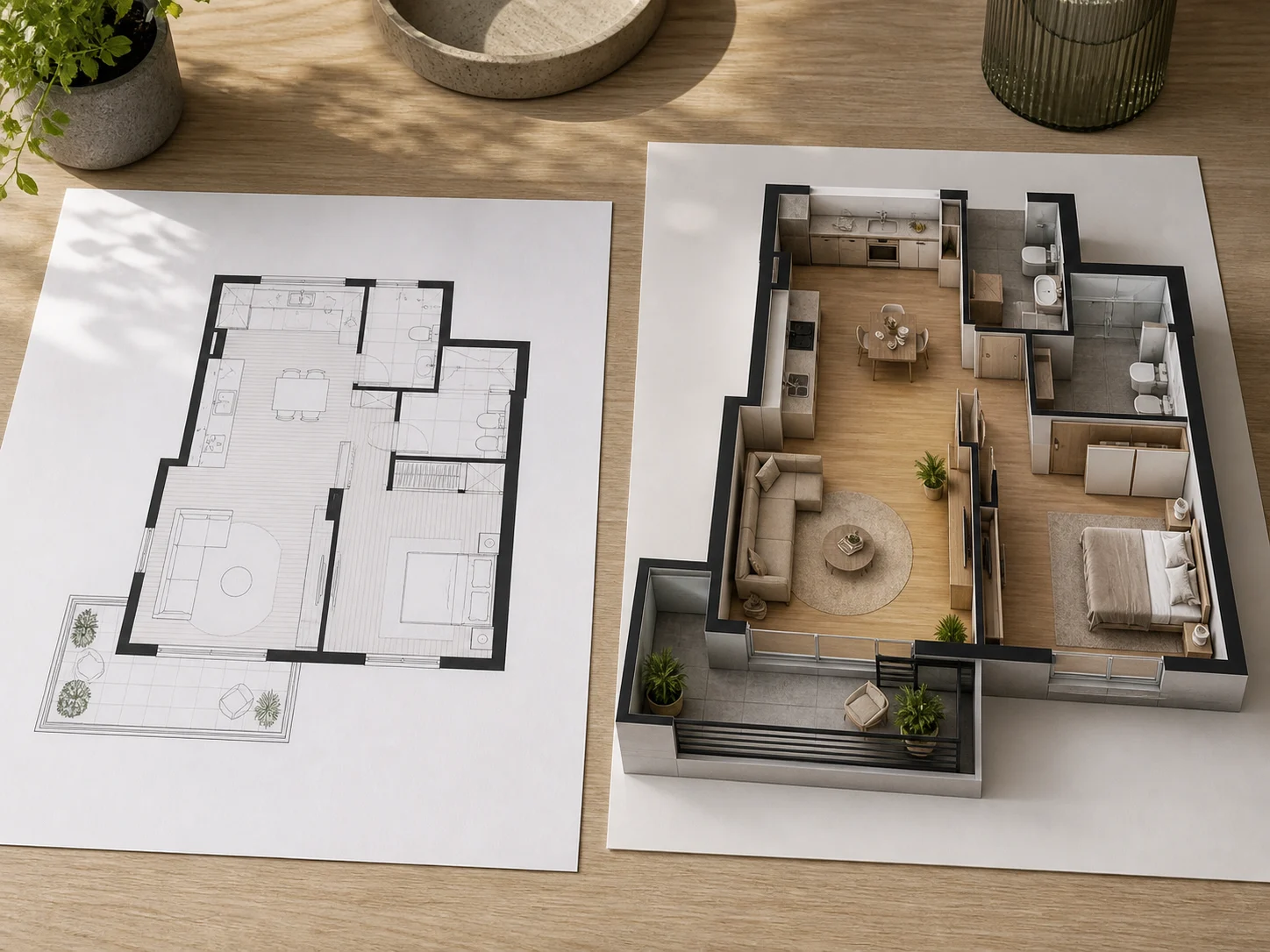
Turn a 2D Floor Plan Into a Furnished Reveal
Pair a bare 2D floor plan with its furnished render or 3D view for a Transition video that shows buyers the layout coming together.
Try Transition Mode
One Floor Plan Is Enough for Drone Mode
No matching before/after pair required — Drone mode takes a single floor plan or rendered image and applies a cinematic camera move to it.
Try Drone Mode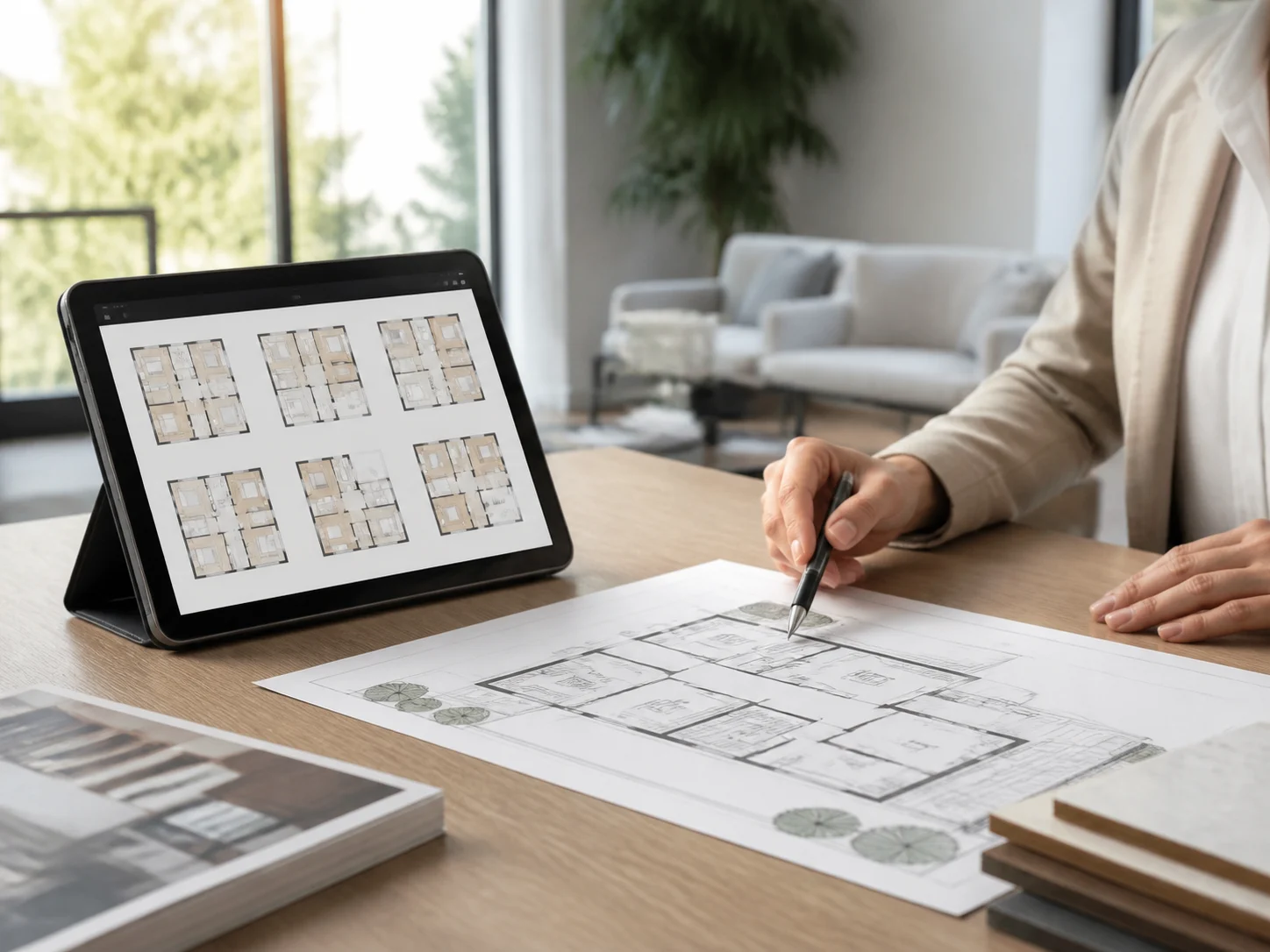
Reveal Styles Built for Floor Plans
Pick a preset reveal, sweep, or zoom transition, or switch to Custom mode and describe your own pacing and camera path in plain English.
Browse Transition Types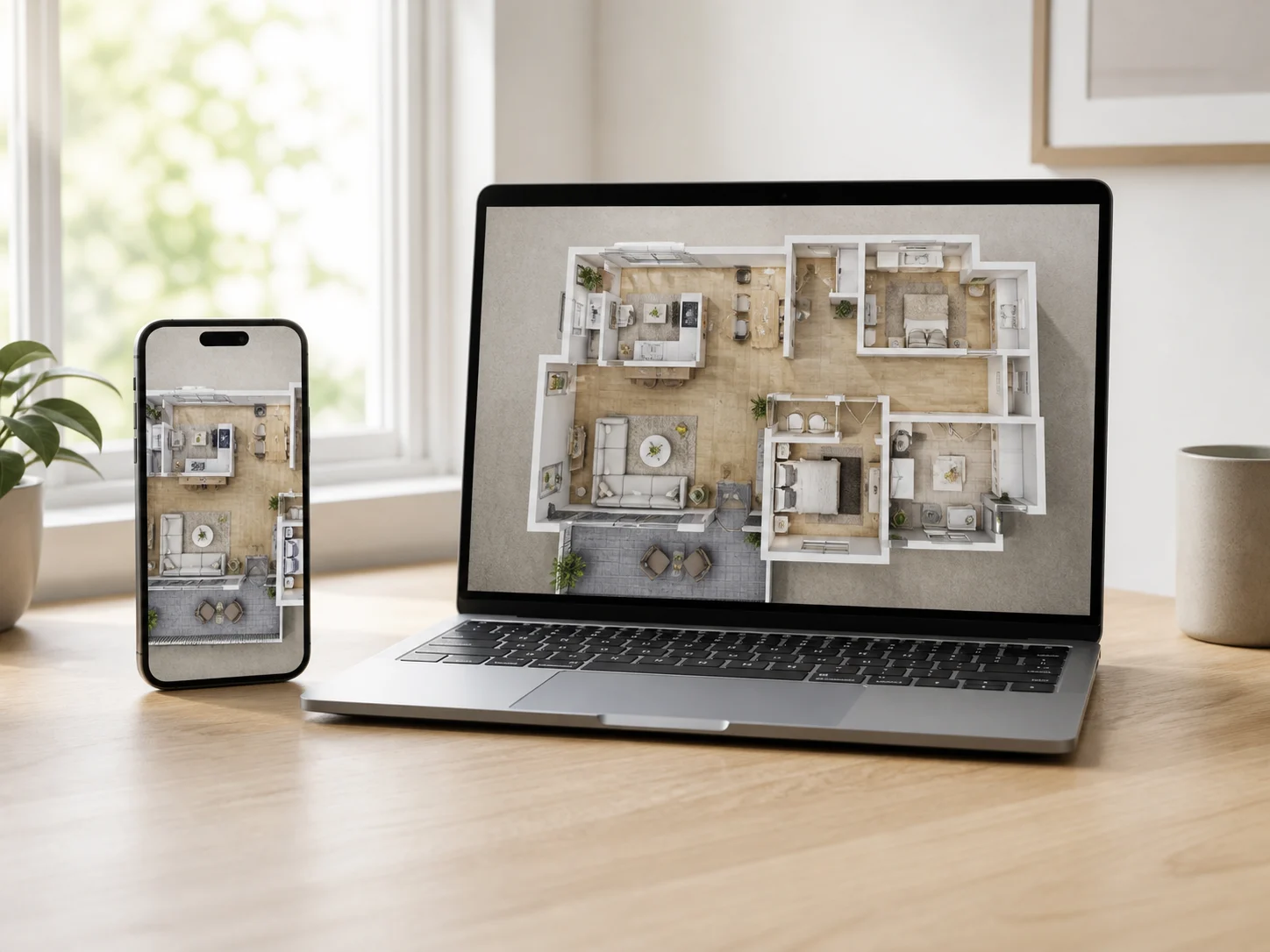
Sized for Listing Pages and Social
Export at 16:9 for a listing page or 9:16 for Reels and TikTok, in 4, 6, or 8 seconds, so the video fits wherever the floor plan itself gets shared.
Choose Your Format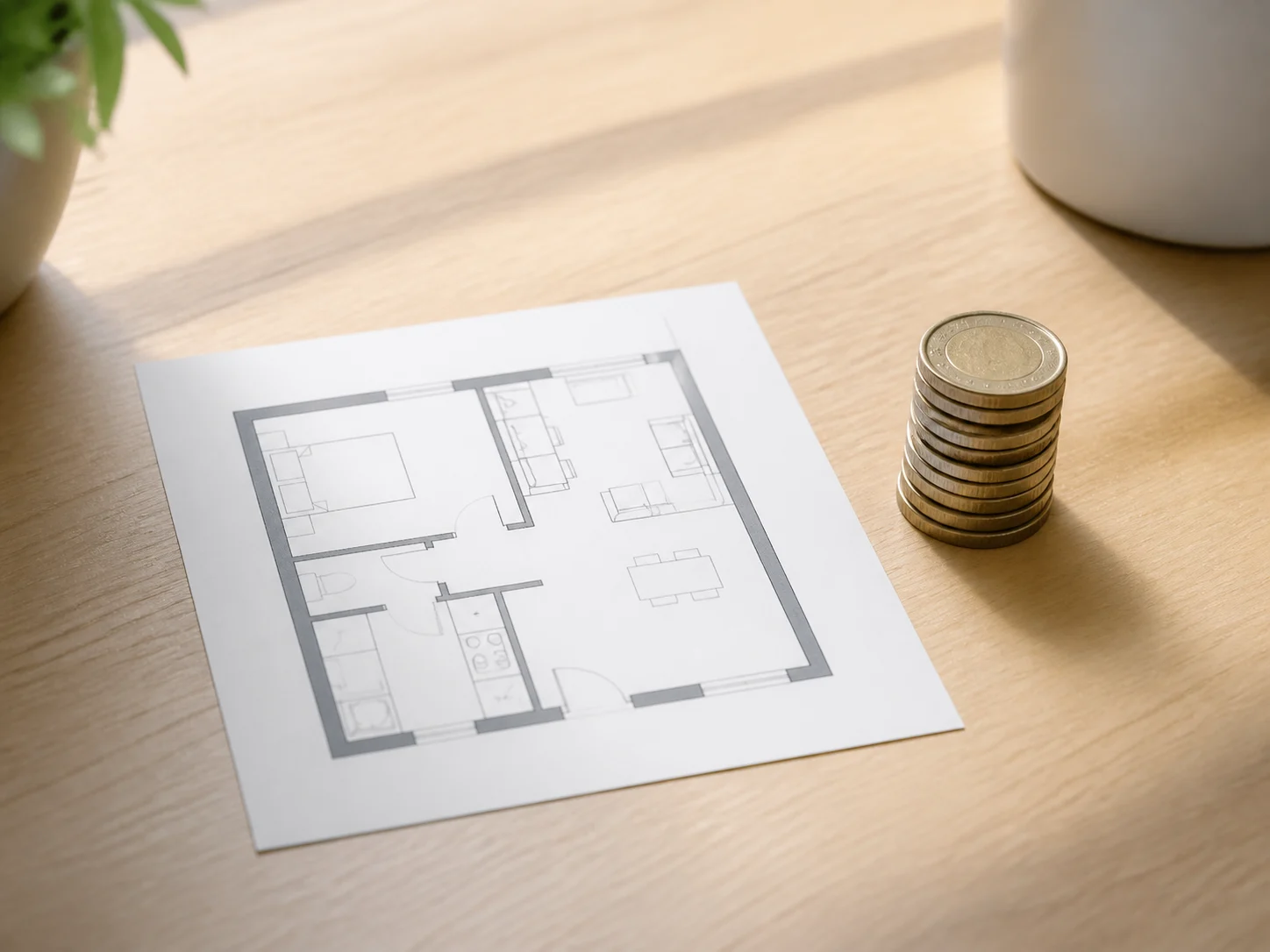
One Flat Price, No Surprises
A floor plan video costs the same whether it is a Transition or a Drone fly-through — pricing is based only on length, starting at 16 credits for 4 seconds.
See PricingWho Animates Floor Plans With FloorAI
A floor plan video is useful well beyond the listing page — here is who relies on it.

For Listing Agents
Turn a floor plan into a short video that helps buyers understand a layout faster than a static image, especially when it is shared on social media.

For Renovation Homeowners
Animate the floor plan you just redesigned to show family or a contractor how the new layout flows, before committing to a renovation.

For Small Design Studios
Add a floor plan video to a client proposal deck to make an early-stage layout easier to present than a flat drawing.
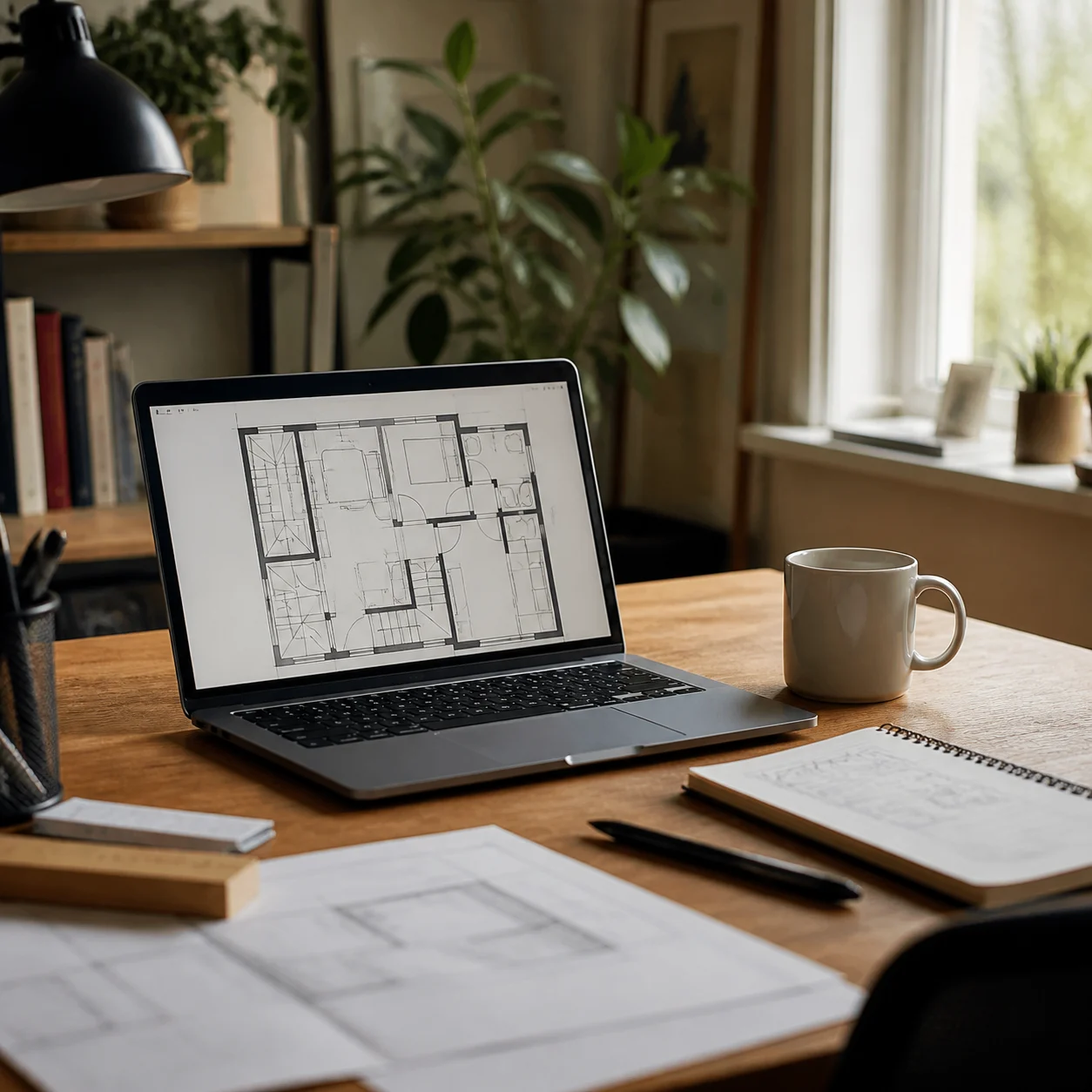
For International & Freelance Listings
Add a floor plan video to a listing in markets where a floor plan is standard, or use it as a quick add-on service for clients who already order a floor plan digitization.
Floor Plan Animation Questions

Make Your Floor Plan Move
Turn your next floor plan into a video before your listing goes live.
✨ 720p export · Transition or Drone mode · From 16 credits