
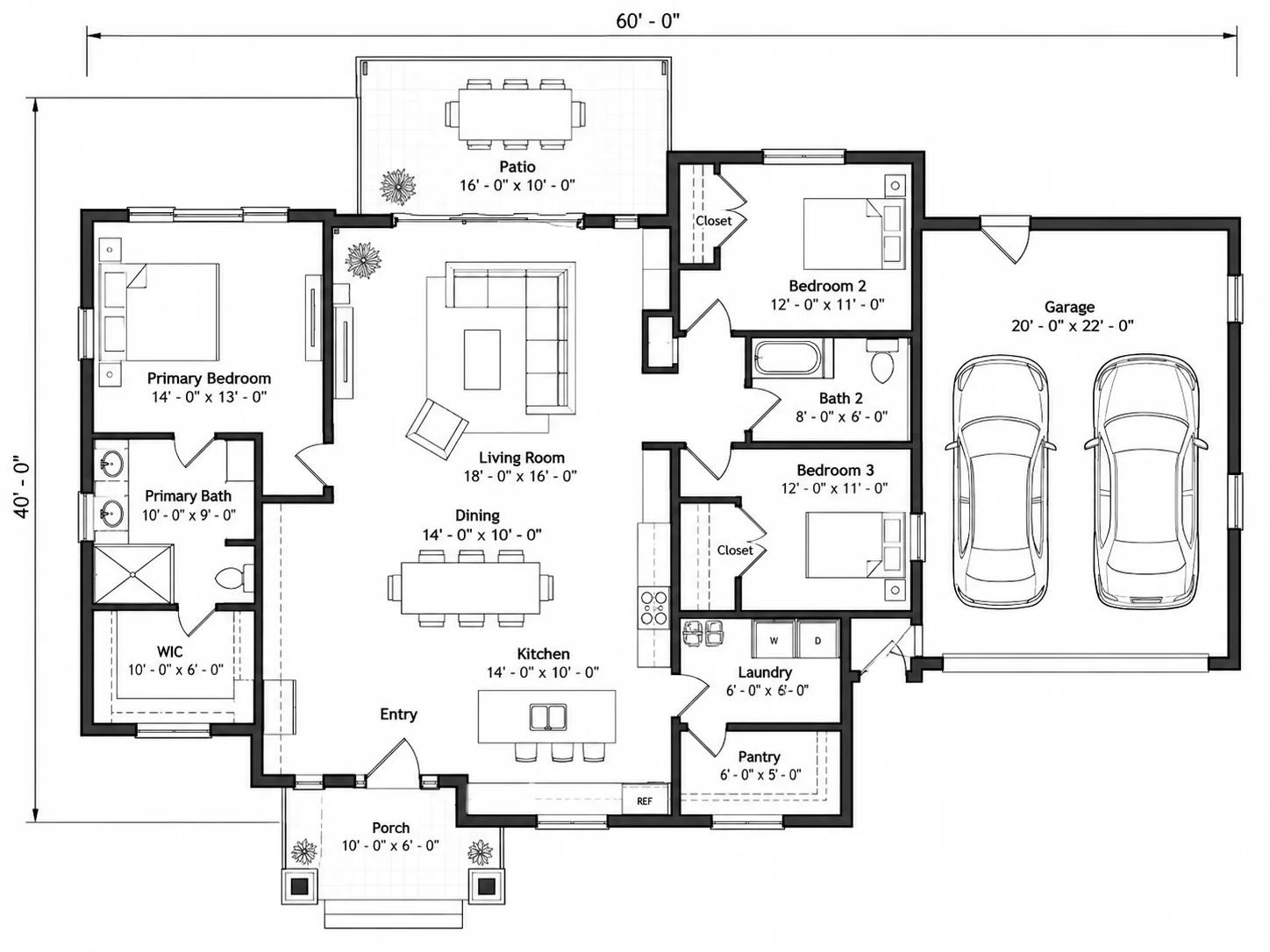
House Plans Made From a Text Description
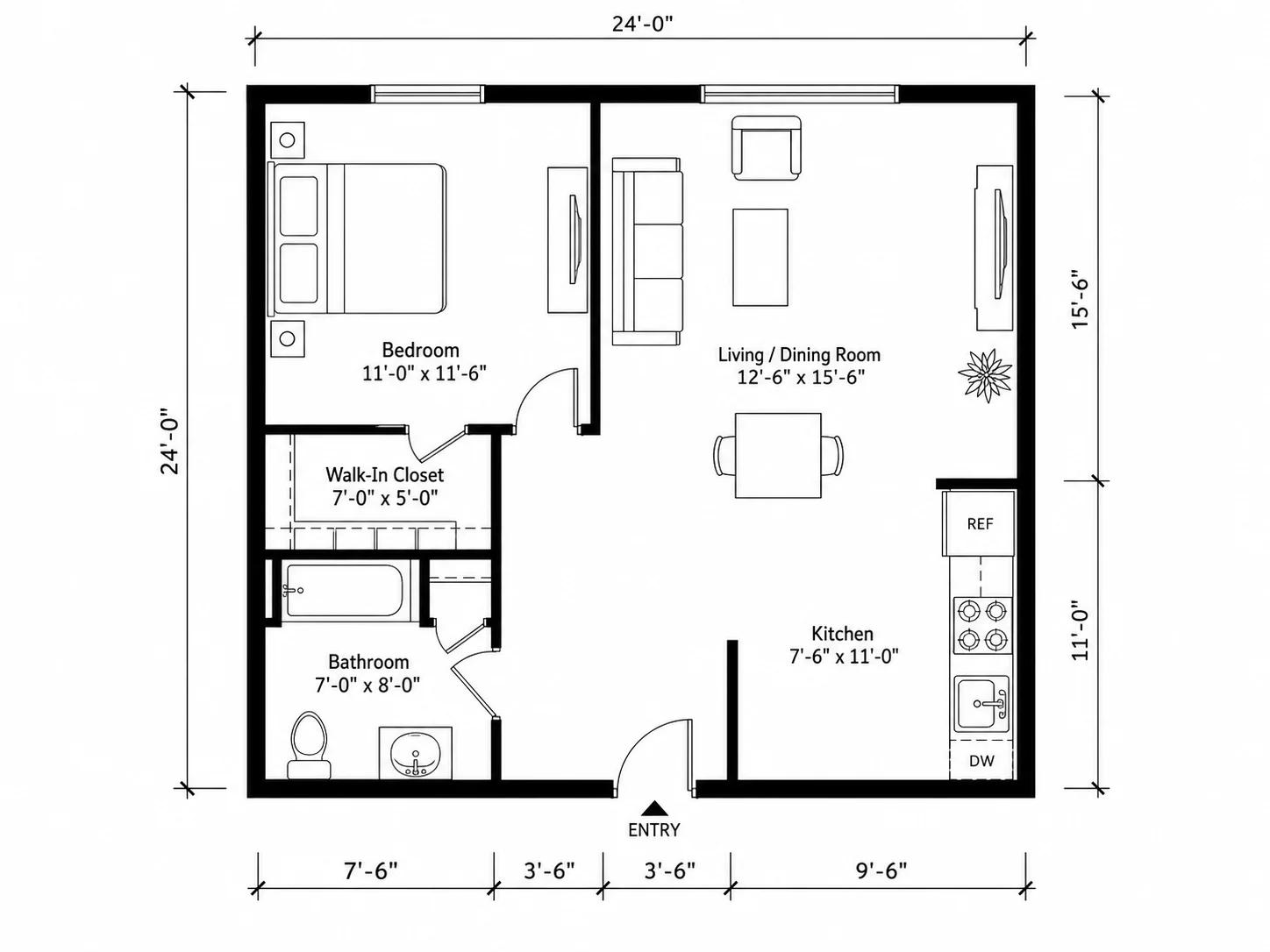
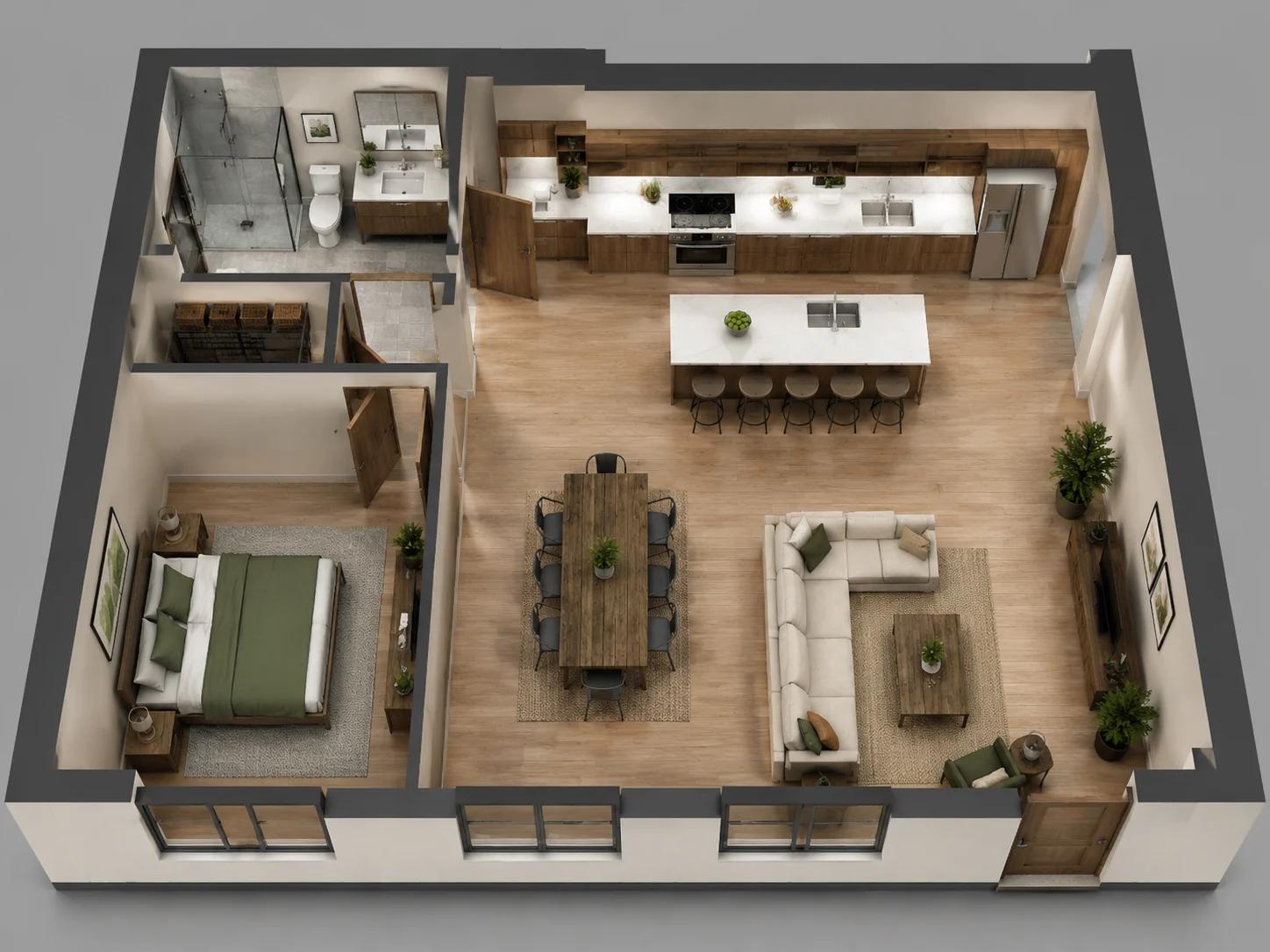
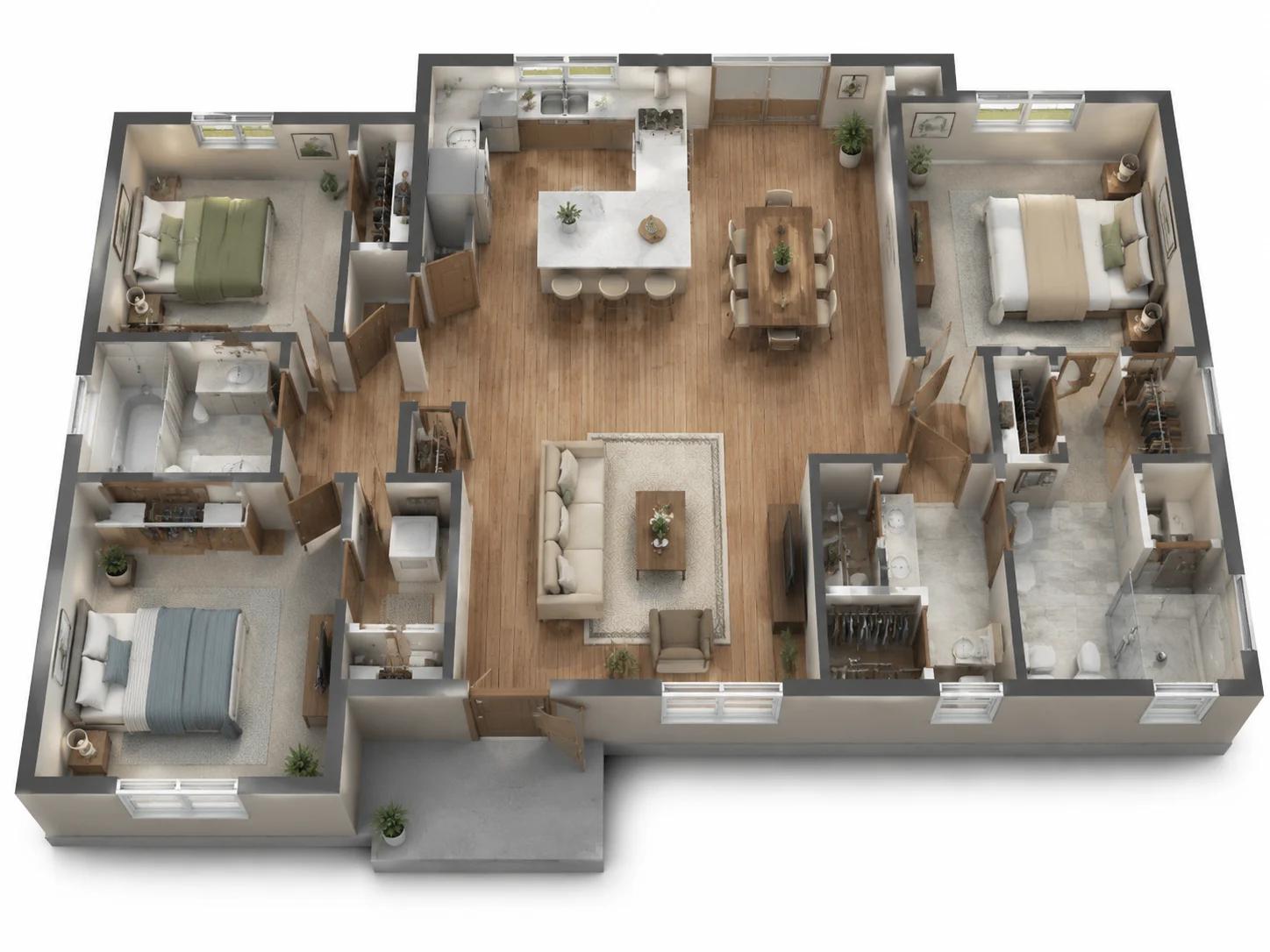
No upload required — every home layout below started as a written brief, not a sketch or a photo. Six residential programs this generator can produce.
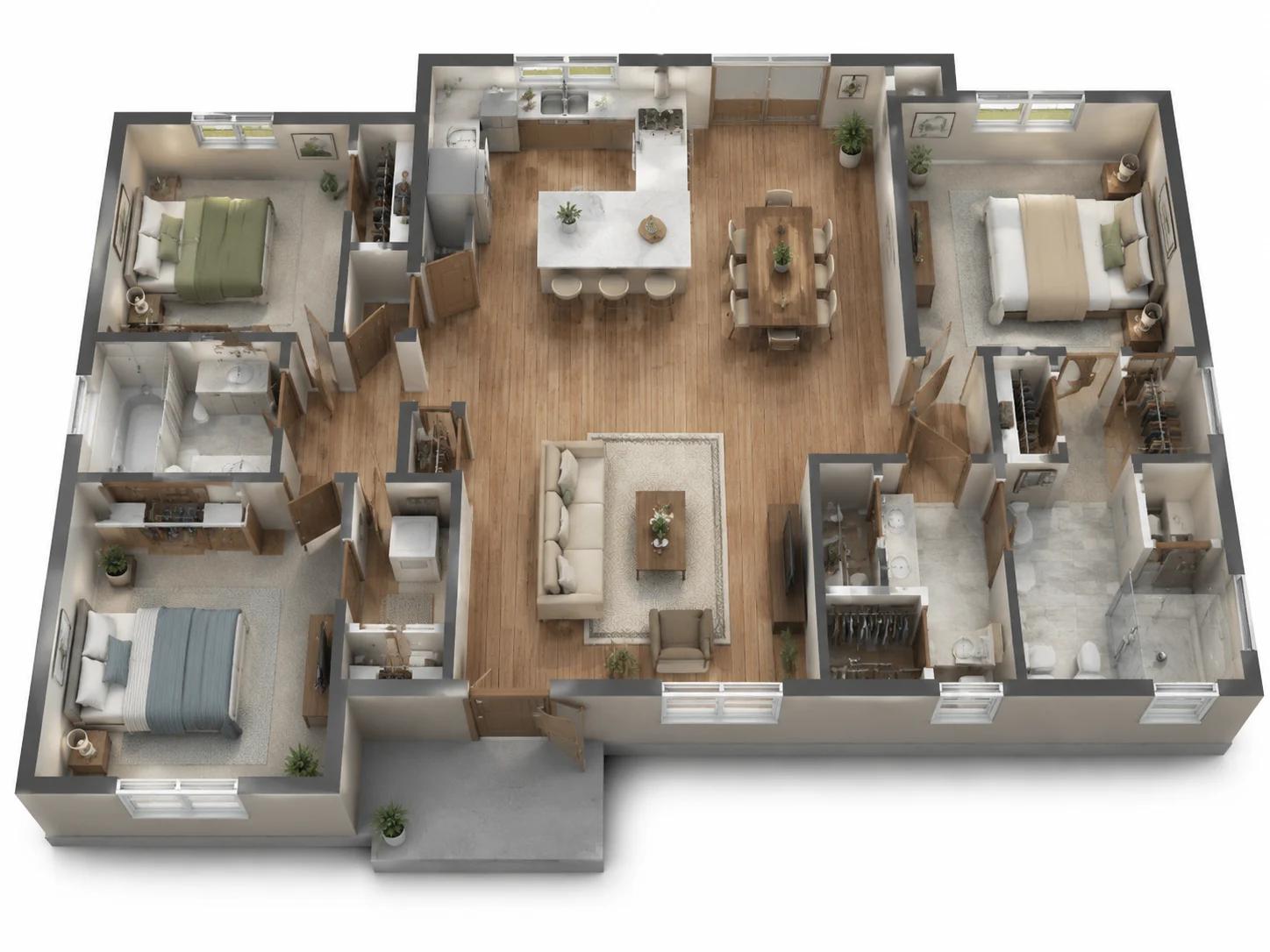
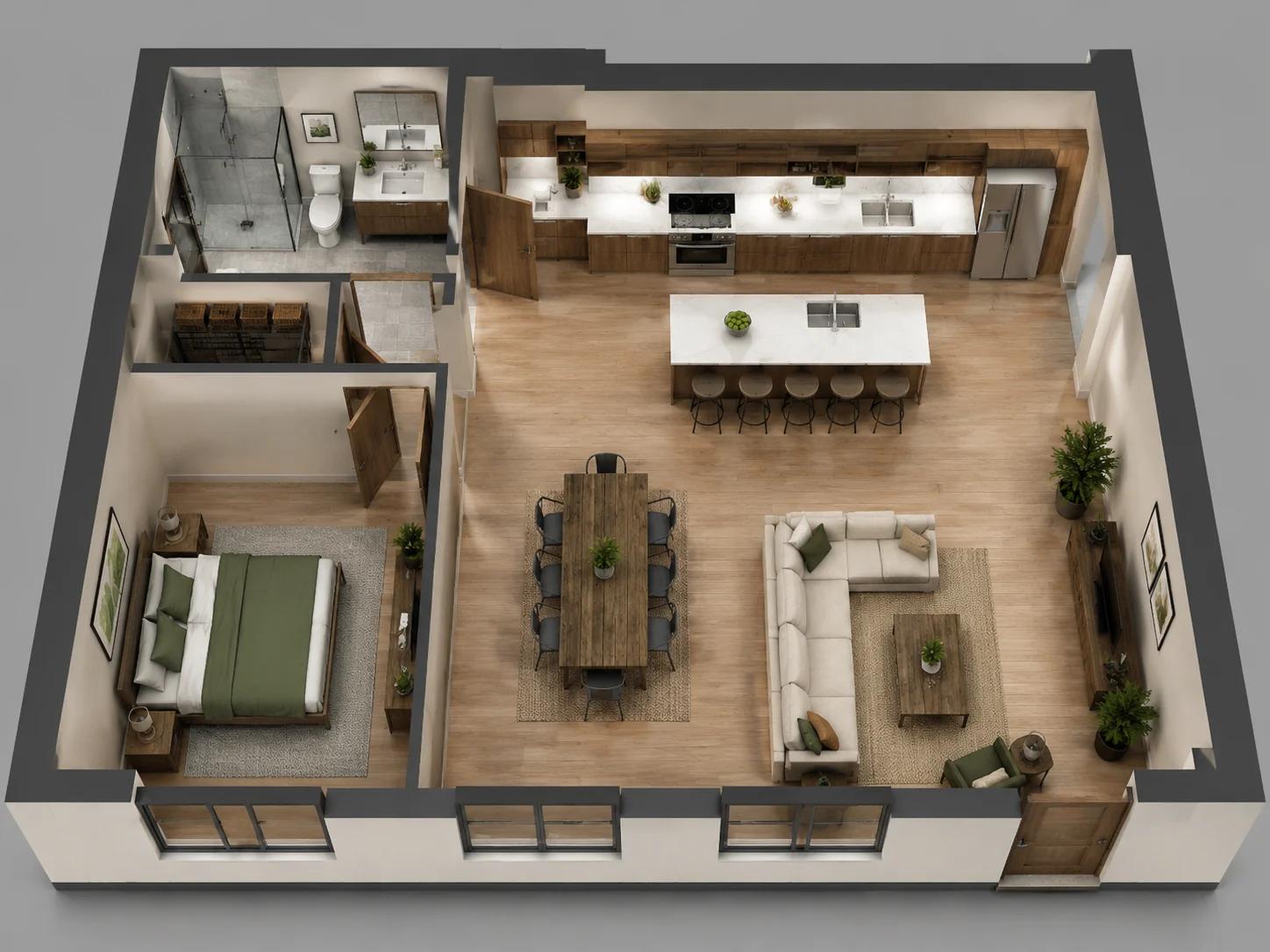
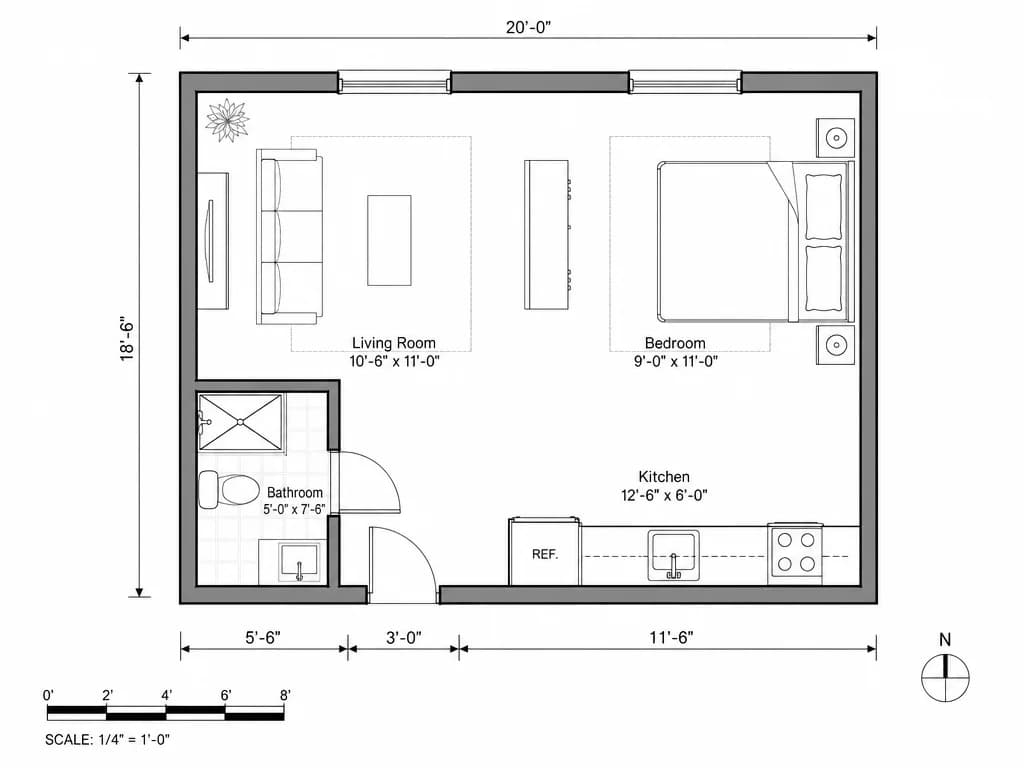
How to Generate a House Plan With AI
Same text-to-layout form as our general floor plan tool, with house-first defaults — three steps.
Describe the Home or Pick a Preset
Write bedrooms, baths, and must-have rooms, or start from a residential scenario like Family Home. This page loads a house-oriented default prompt so you are not starting from office or restaurant.
Set Rooms, Area, Floors, and Notes
Use Preferred Rooms (including open or closed kitchen), Gross Area, and Floors. Put open kitchen, quiet primary suite, or garage-to-kitchen flow in the Additional Prompt if you need it.
Generate Blueprint, 2.5D, or 3D
Choose a drawing style, review the concept house plan, then regenerate or edit the brief until the program fits.
What the House Plan Form Actually Does
These features map to real controls on the same generate form as the AI floor plan tool — framed for residential home layouts.
Generate a House Plan From Text
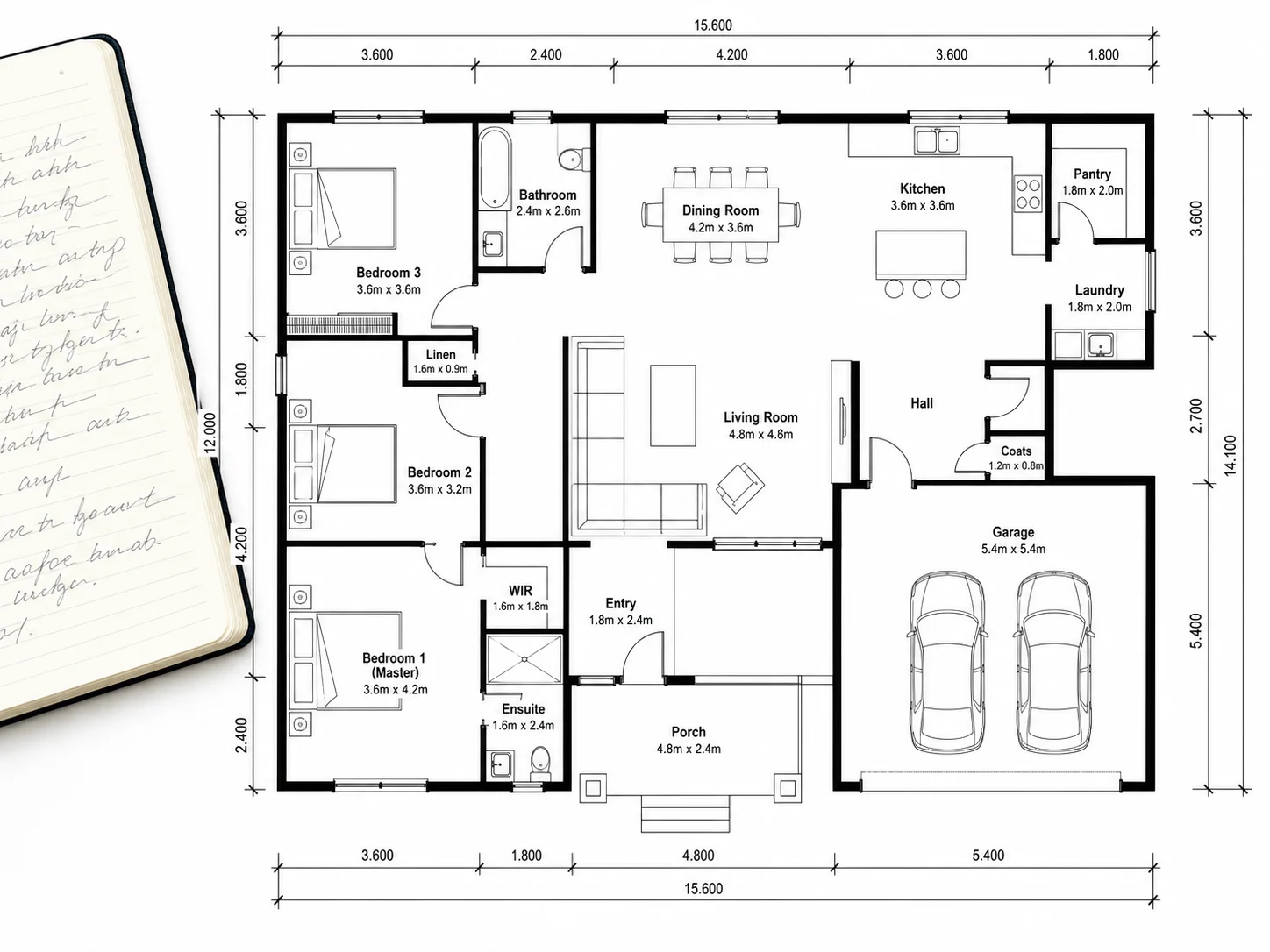
Locked to generate mode: type a home brief — no sketch upload on this page. The first prompt defaults to a 3-bedroom family home with open kitchen, master suite, patio, and double garage so the first run is residential.
Start From a Description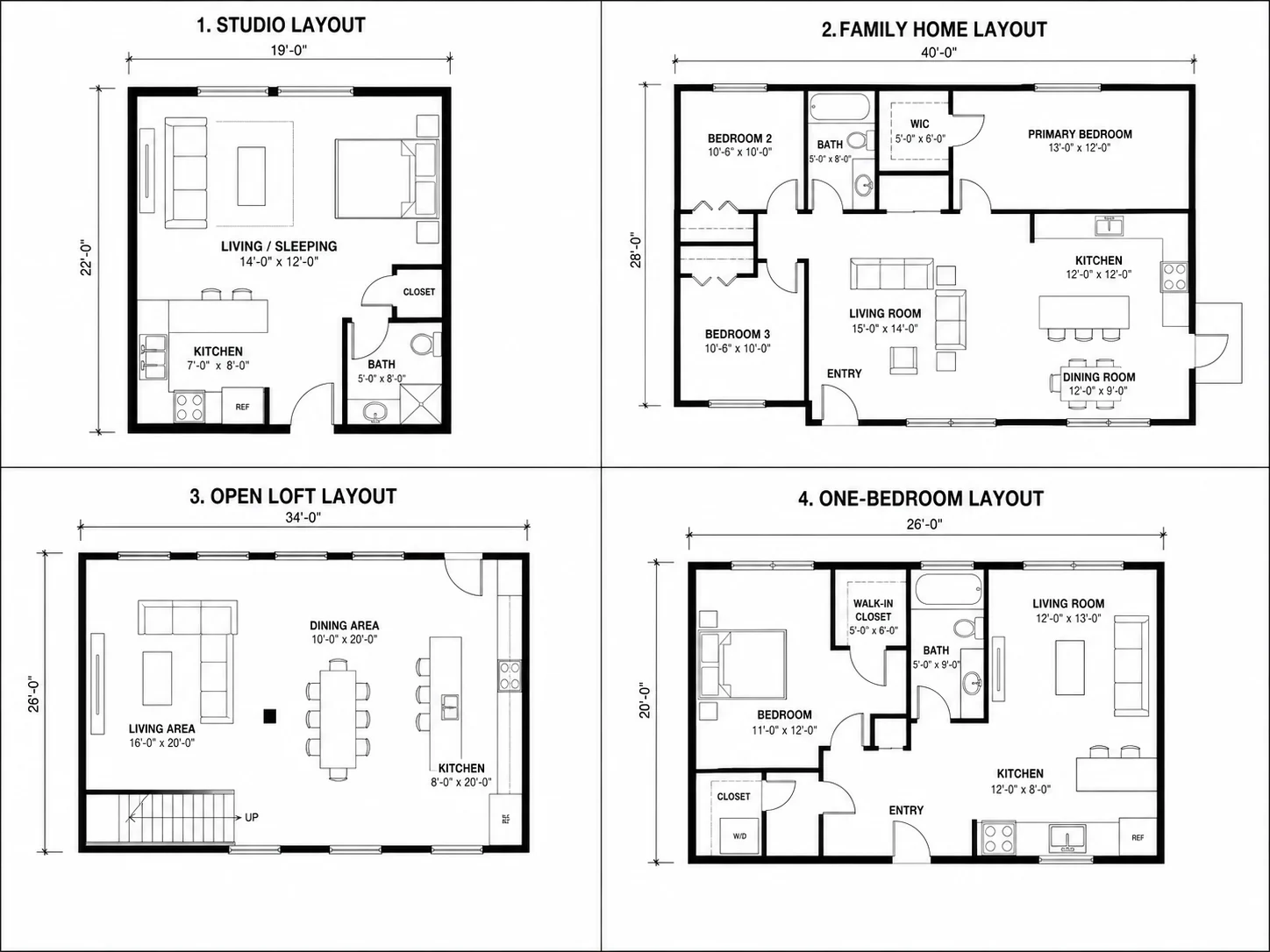
Family Home and Residential Presets
Try Example chips include Family Home, Studio Apartment, Open-Concept Loft, and Compact One-Bedroom — each a pre-written prompt you can generate as-is or edit for your lot.
Browse Residential Presets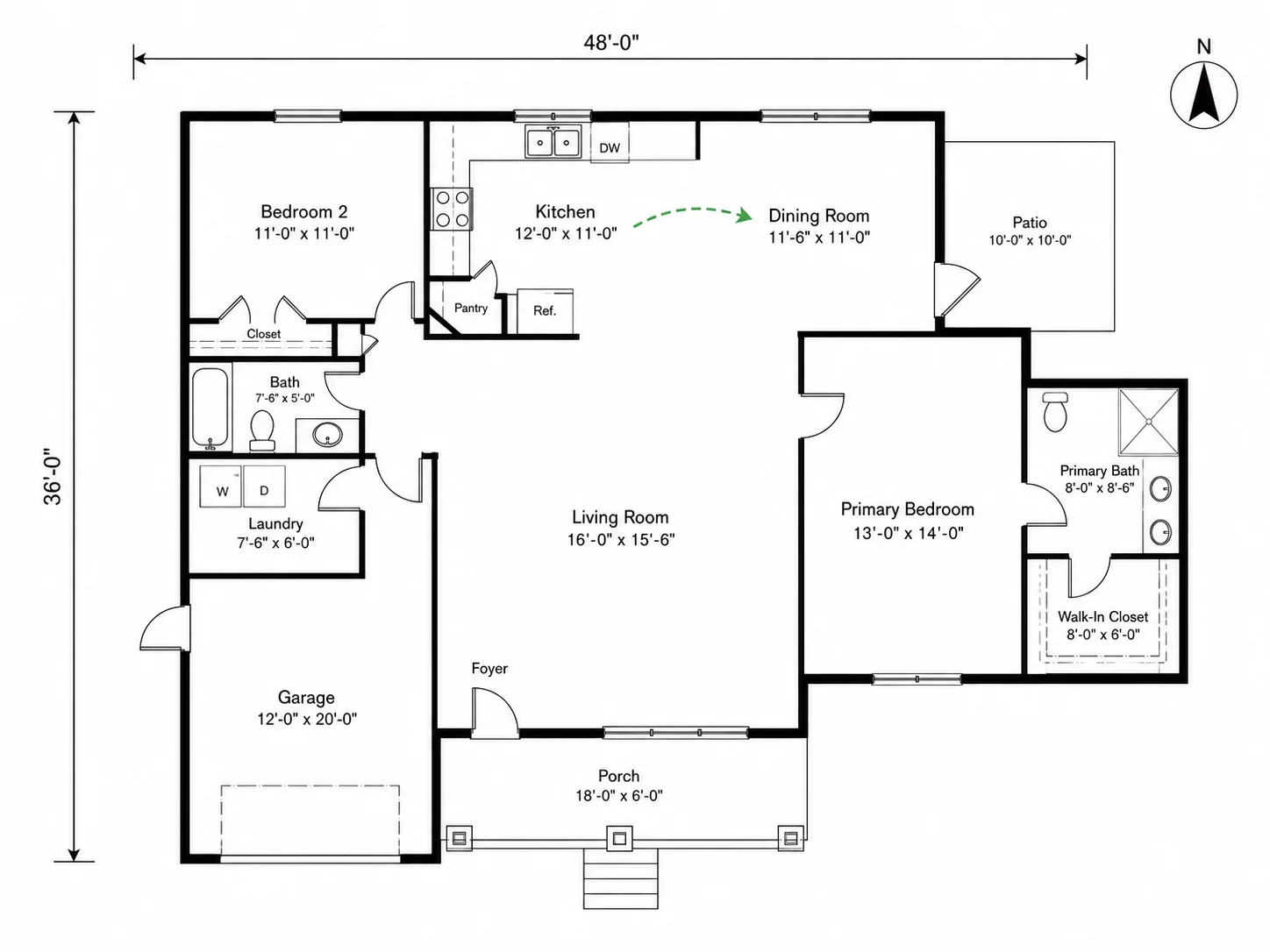
Preferred Rooms and Open Kitchen
Set bedroom, bathroom, living, dining, laundry, garage, office, and more with count steppers. Kitchen supports open or closed layout so the day zone matches how you actually cook and gather.
Configure Rooms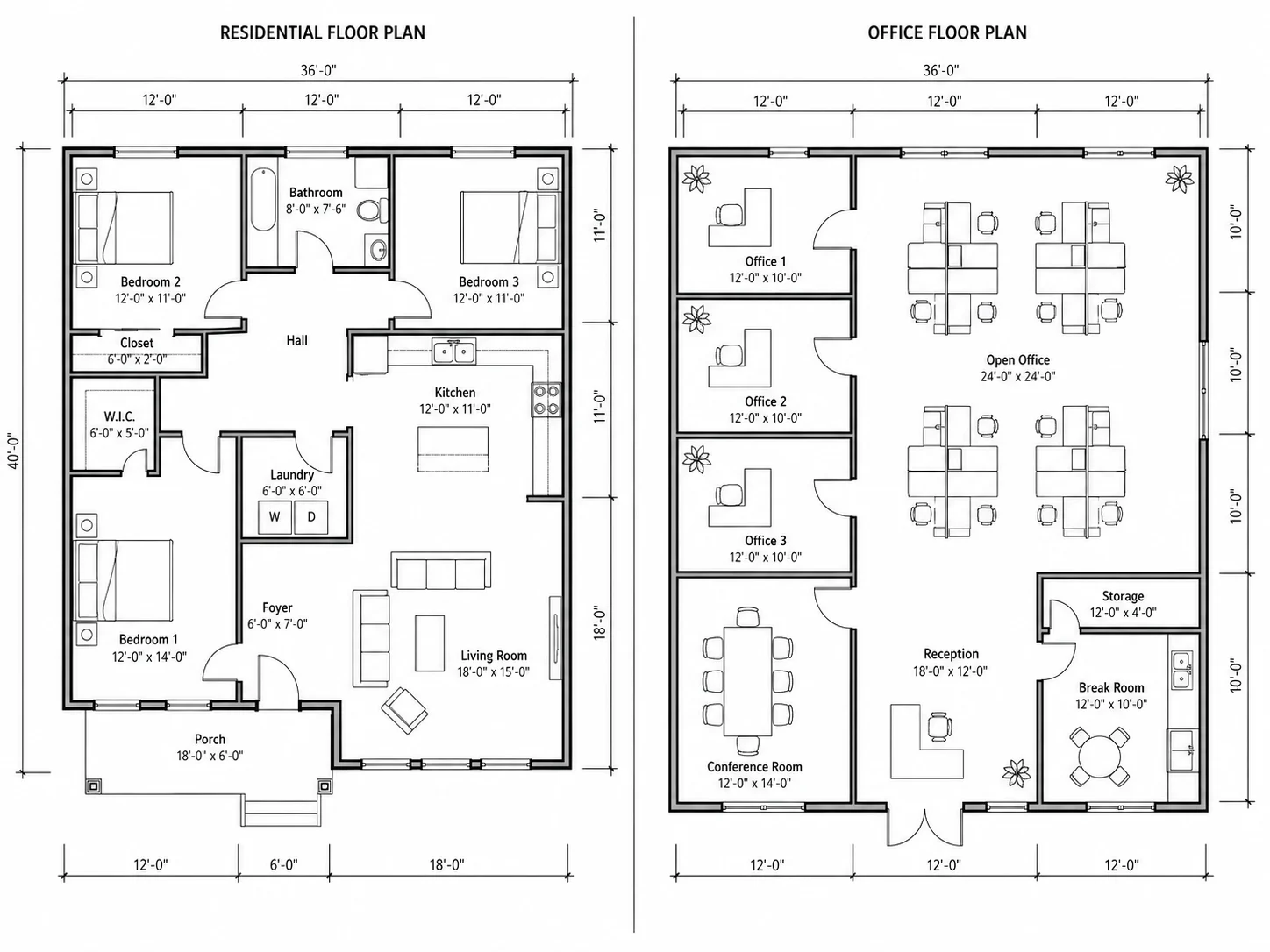
Gross Area and Floors Controls
Dial Gross Area in metric or imperial, switch footprint to length × width when you know the lot envelope, and set Floors from 1 to 8 for a ranch or a multi-story house plan in one image.
Set Area and Floors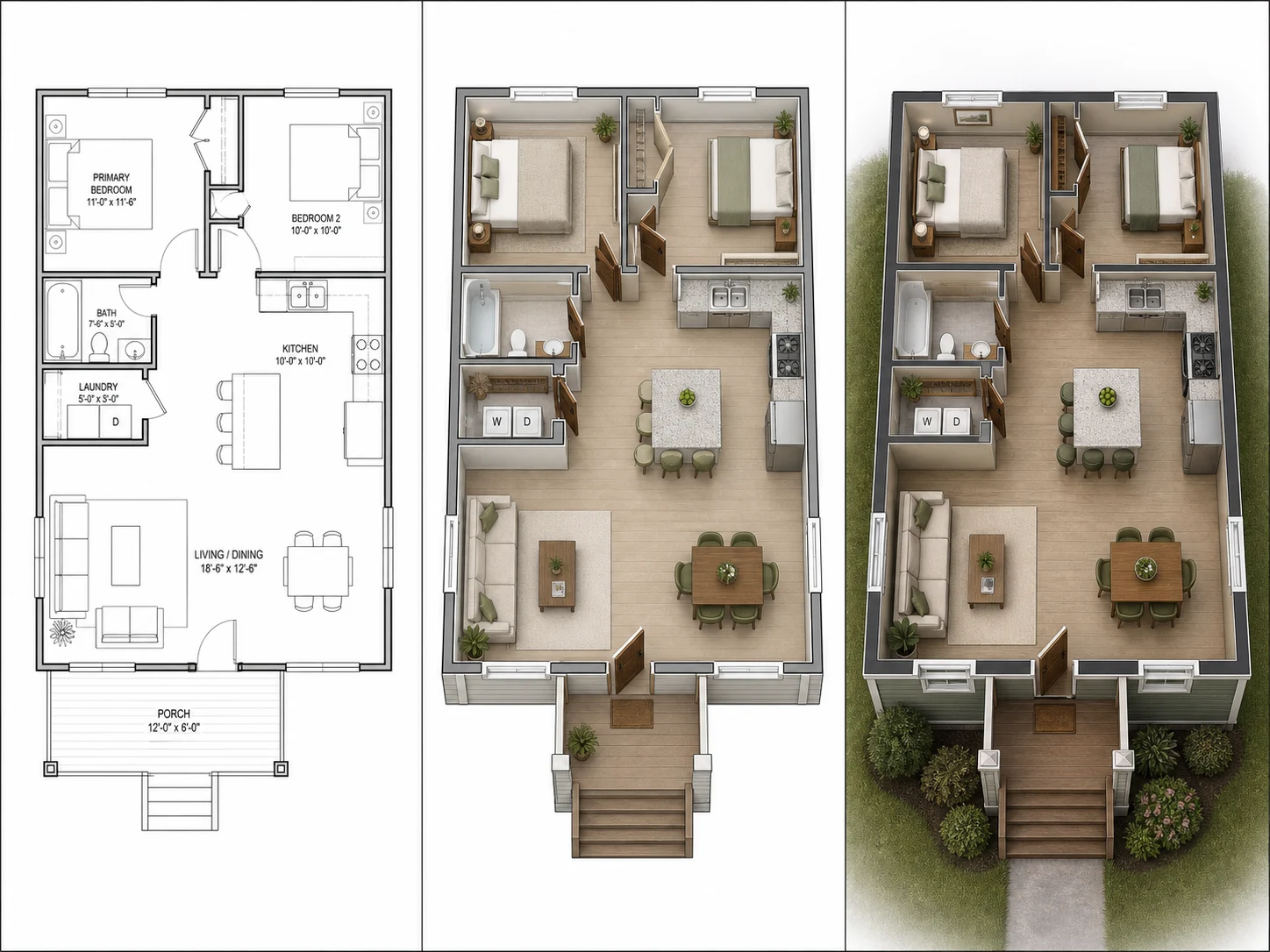
Six House Plan Drawing Styles
The Style picker offers 2D schematic, 2D color, 2.5D, 3D top-down, 3D perspective, and technical blueprint — same layout, different drawing for markup, clients, or listings.
Compare StylesWho Uses AI House Layouts
Four residential jobs where a fast concept home plan beats starting in CAD.

Home Buyers Comparing Lots
Test whether a three-bedroom program fits a lot envelope before an offer. A quick layout is enough to kill a bad lot early without waiting on drawings.

Homeowners Planning a Rebuild
Explore bedroom counts, open kitchen placement, and garage position for a rebuild or addition before the first architect meeting.

Real Estate Teams Needing a Home Plan Visual
Produce a clean concept house layout for a listing packet when the seller never had CAD files — clearly labeled as a concept, not a survey.

Students Learning Residential Programs
Turn a studio housing brief into several layout options quickly, then critique circulation and adjacencies before hand drafting.
House Plan Generator FAQ

Describe the Home, Get a House Plan
House-first defaults, free credits to start, and the same fast text-to-layout flow as our floor plan tool. Scroll the showcase above, then generate with the AI house plan generator.
✨ Free to start · House defaults on · Blueprint / 2.5D / 3D