
Opening your plan…
Start Your Floor Plan From a Template
A few of the layouts built into the editor: apartments, a house, a café, a bar, an office, a shop, a gym and a single room. Open one and it loads above with its walls, doors, room names and furniture ready to change — all 49 are in the editor's start card.
How to Make a Floor Plan Online for Free
Four steps from an empty screen to a file you can send, print or open in CAD.
Pick a Template or a Blank Canvas
The start card sorts 49 layouts by space type. Choose the closest one and it loads with every wall, door, room label and piece of furniture still editable.
Draw Walls, Rooms and Openings
Press W to draw walls point to point or R to drag out a whole room. Drop doors and windows onto any wall, then type exact lengths in meters or feet and inches.
Furnish, Label and Finish
Drag beds, desks, café tables or shelving from the library, apply room types so the areas add up, and pick floor and wall finishes from wood, tile, stone, wallpaper or paint.
Export and Share
Download a PNG or SVG at SD, HD or 4K, a PDF on A4 to Arch D paper at a set drawing scale, or a DXF file for your CAD software.
Easy Floor Plan Maker Features
Six things this editor does that a quick sketching app usually leaves out.
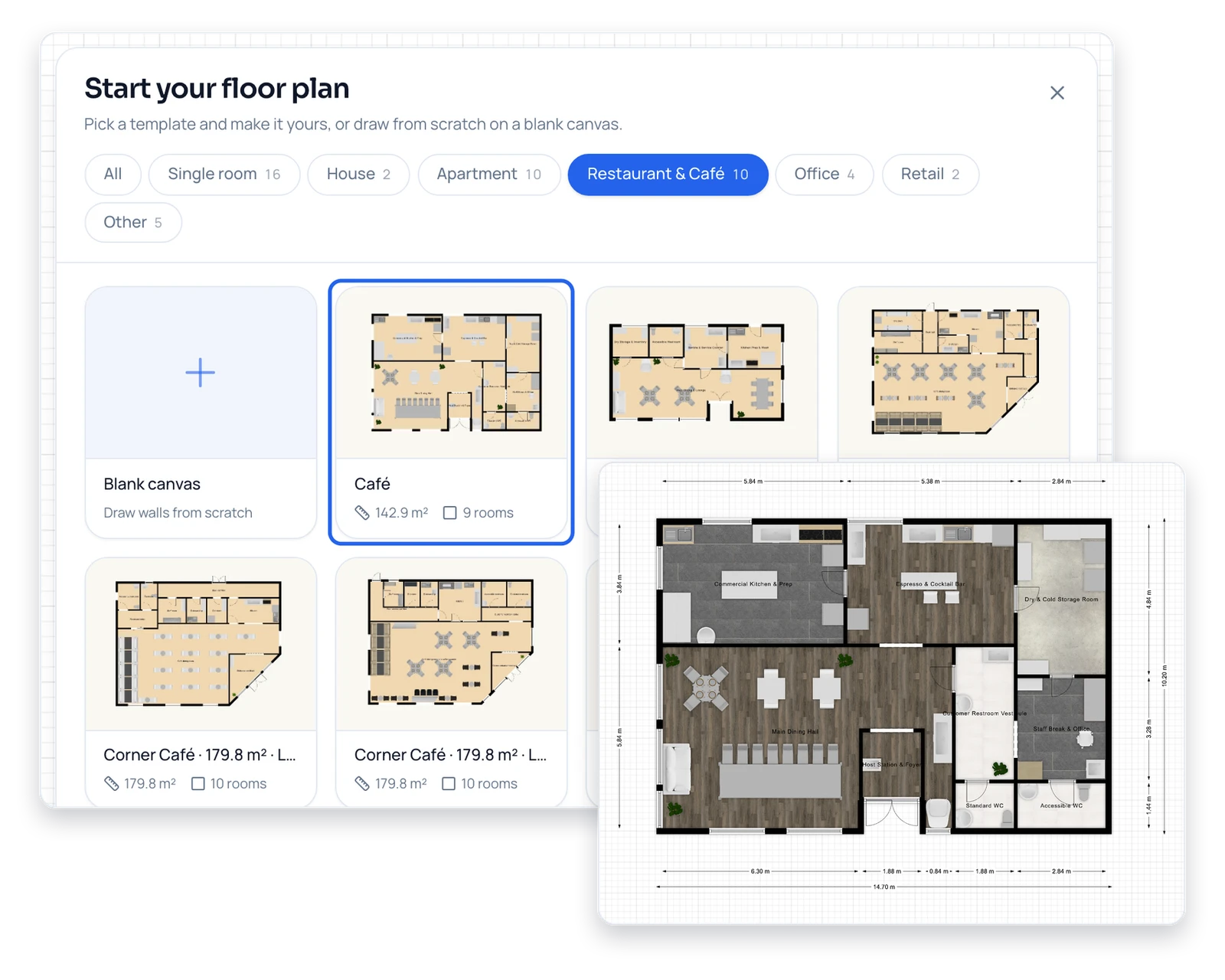
Make a Floor Plan From a Template
Ten restaurant and café plans, four offices, two retail units, ten apartments, two houses and 16 single rooms are built in, so a new project never has to start from nothing. Every template opens as a normal design: move a wall, swap the furniture or rename a room as if you had drawn it yourself.
Browse Templates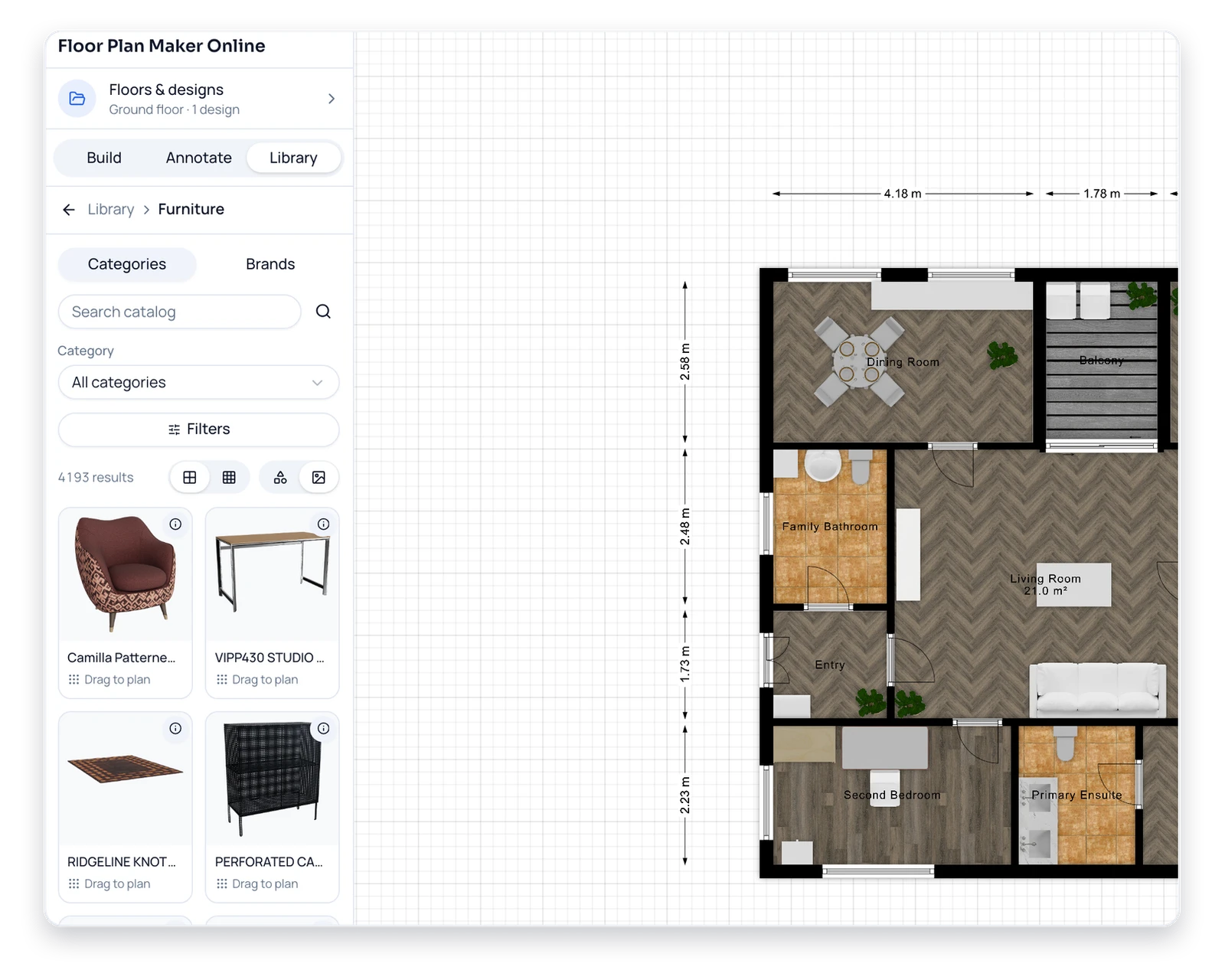
Easy Drag-and-Drop Furniture
More than 4,000 furniture items, 58 door styles and 168 window styles are ready to place, from sofas and beds to kitchen units, desks and restaurant seating. Search the catalog by name or filter it by color, then drag an item onto the plan and it lands at its real-world size.
Furnish a Room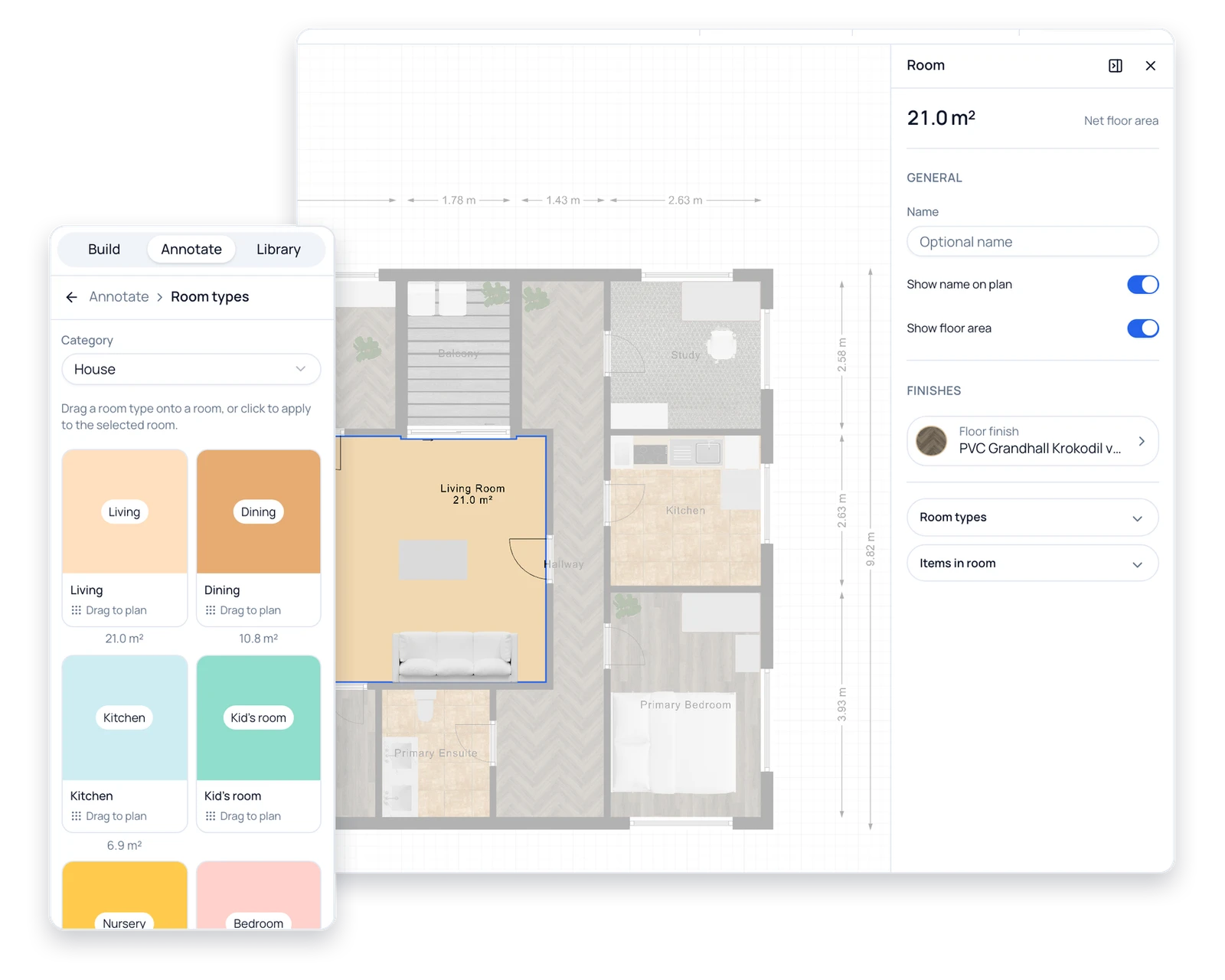
Room Areas Worked Out for You
Drag a room type onto each room and the floorplan maker labels it, shows its net floor area and adds every room into the design's total floor area. Those are the numbers buyers, tenants and contractors ask about first, and they update the moment a wall moves.
Label Your Rooms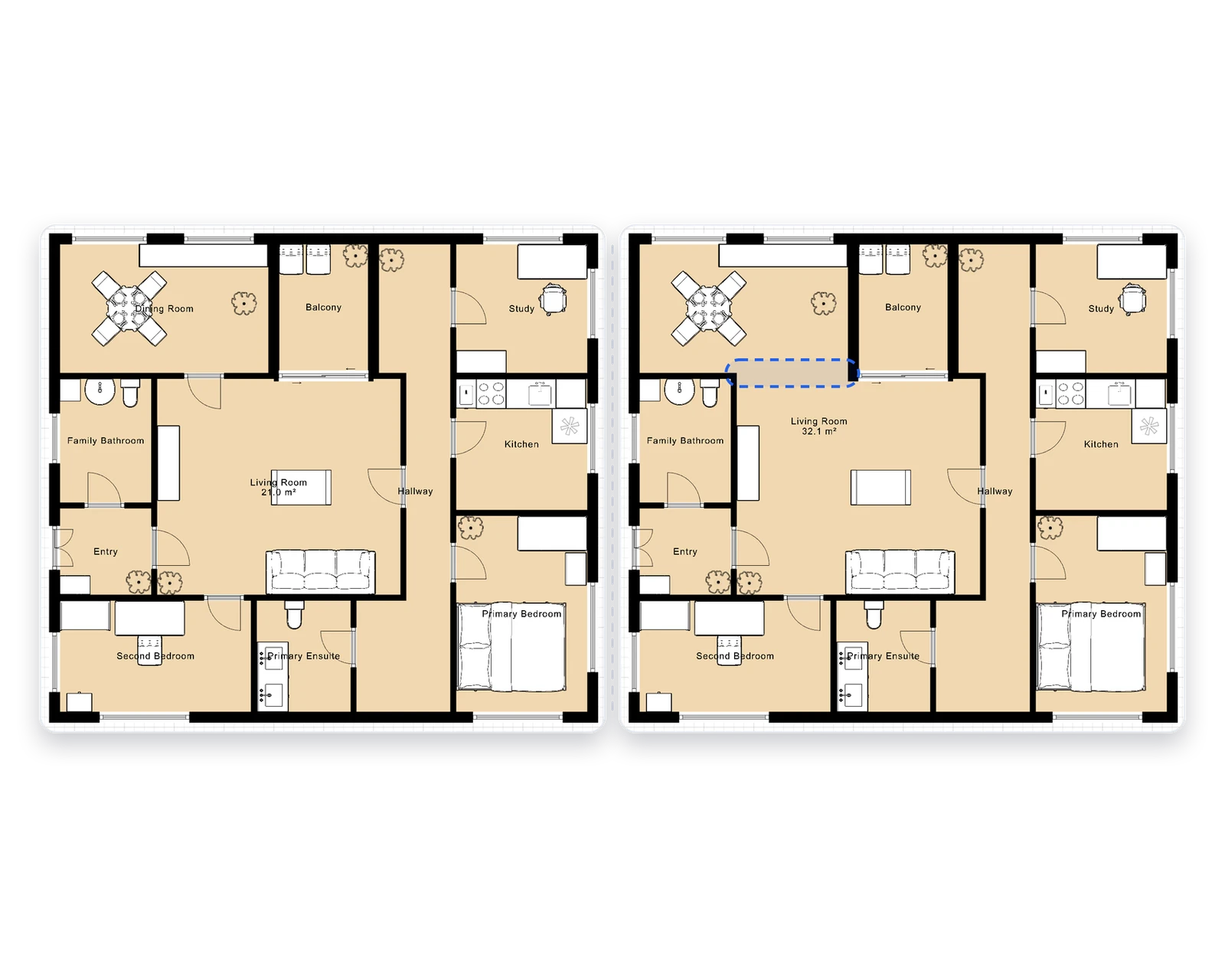
Compare Floor Plan Options
Duplicate a design to test an open kitchen against a separate dining room, keep both versions on the same floor and switch between them in one click. When the building has more than one level, add floors, set each floor's height and give every floor its own set of options.
Compare Layouts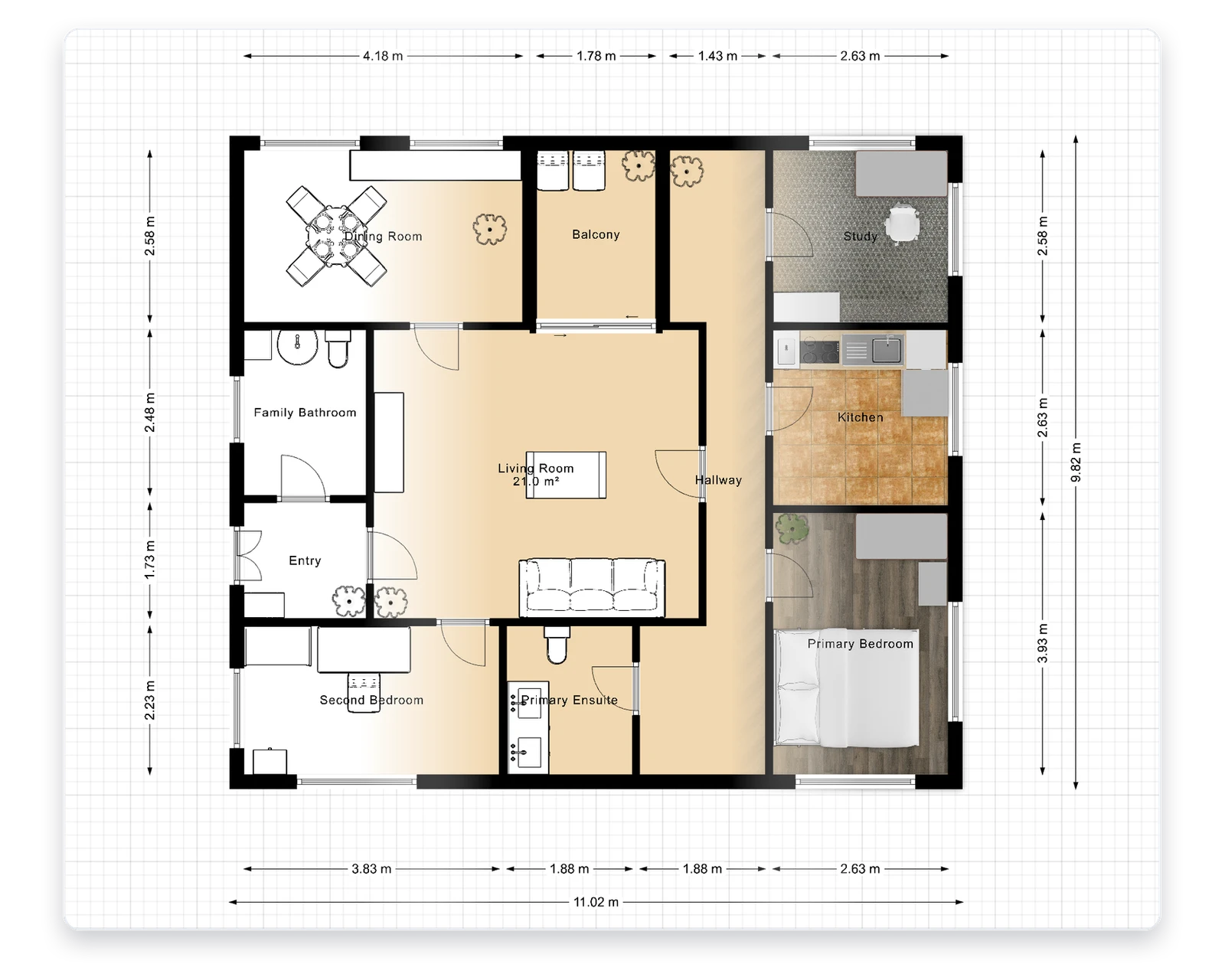
Color or Black-and-White Plans
Switch the same plan between full color, a two-tone layout view and a crisp black-and-white print look without redrawing a wall. Units change the same way: work in meters or in feet and inches, and every dimension on the plan is shown in the system you picked.
Change the Display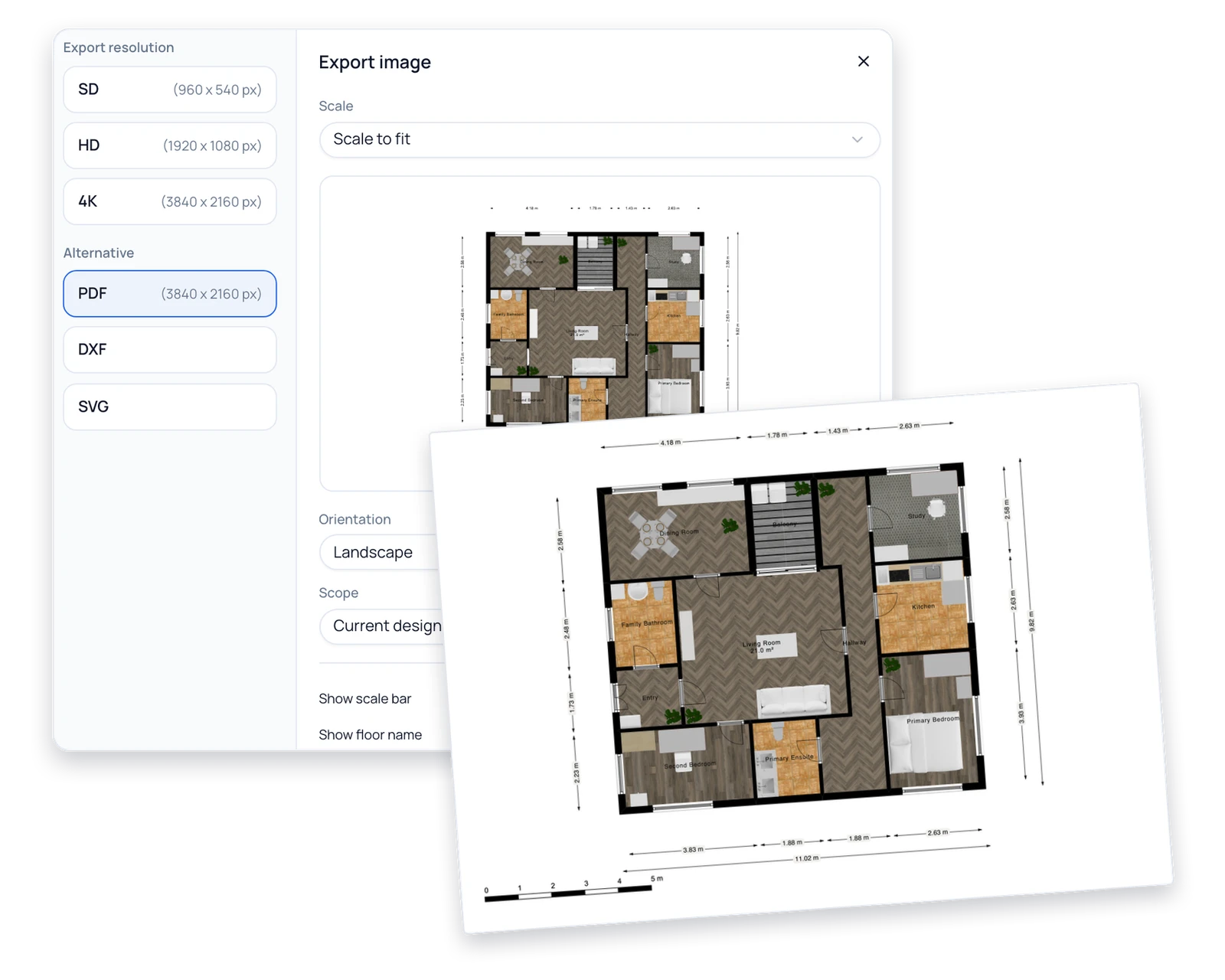
Download PNG, PDF, SVG or DXF
Export one design or the whole project with a scale bar and floor names, as a 4K image for a listing or on a chosen paper size and drawing scale for print. DXF and SVG files open in CAD and vector software, so the plan can keep going after it leaves the browser.
Export a PlanMake Your Own Floor Plans for Work or Home
Six kinds of people who need an accurate plan this week, not a course in CAD.
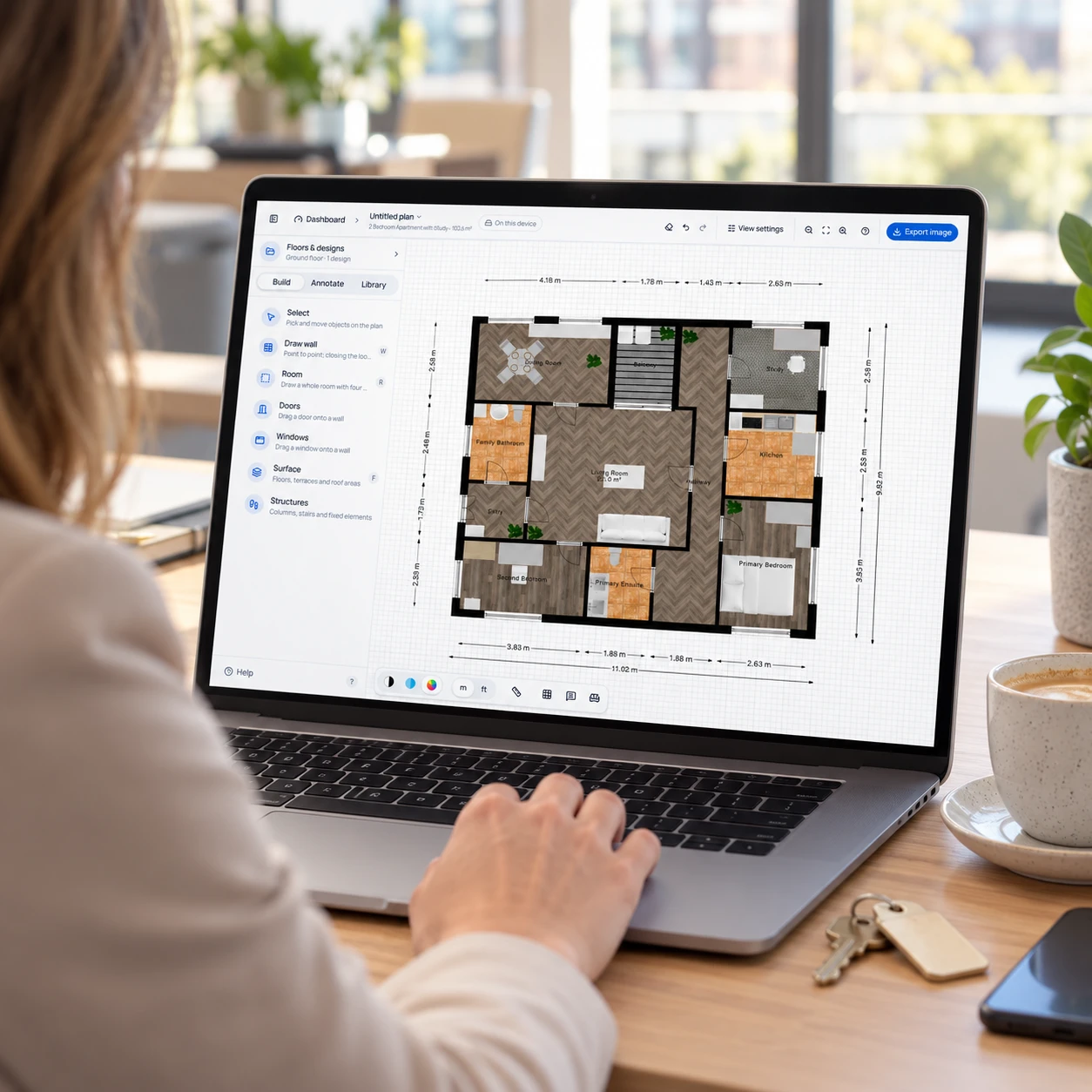
Real Estate Agents
Redraw a seller's rough sketch as a clean floor plan with room names and areas, and export a 4K PNG for the listing the same afternoon.
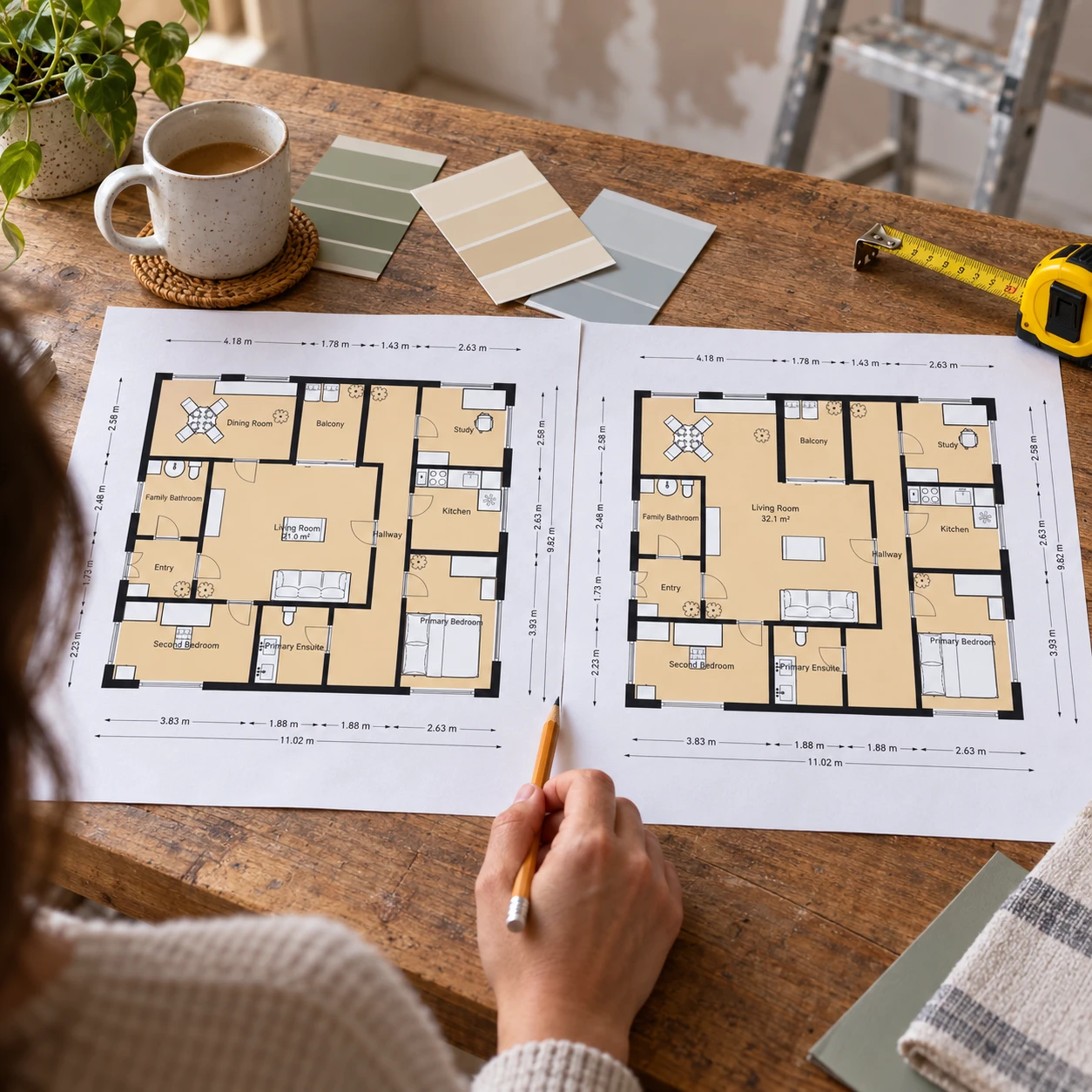
Renovating Homeowners
Save the current layout, duplicate it, knock two small rooms into one living space in the copy, and take both PDFs to your contractor.

Small Design Studios
Draft two or three zoning options before CAD work begins, show the client PDFs at 1:50 or 1:100, and pass the chosen layout on as a DXF.
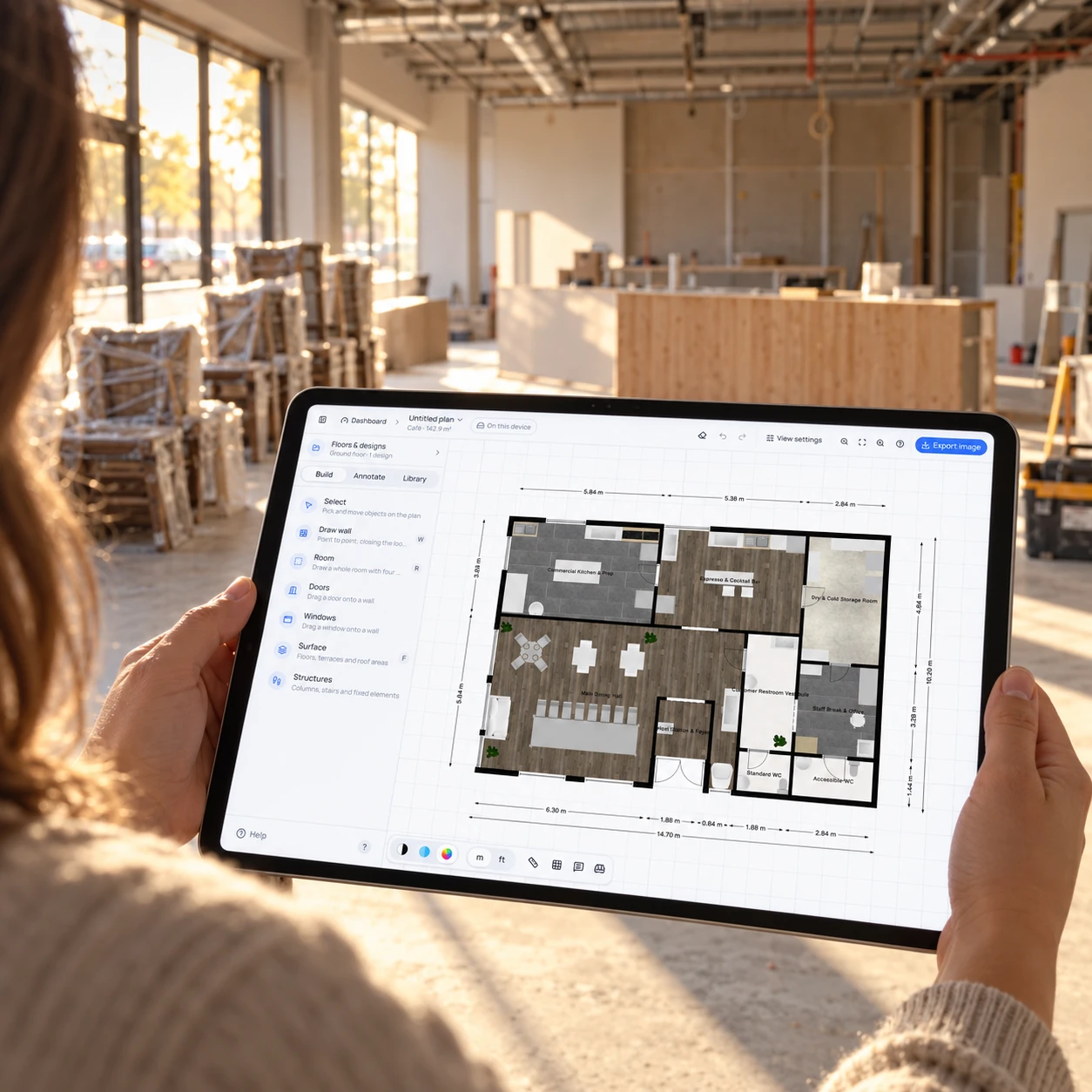
Café, Clinic and Shop Owners
Fit a counter, seating, treatment rooms or shelving into the unit you are about to lease, starting from a restaurant, office or retail template.
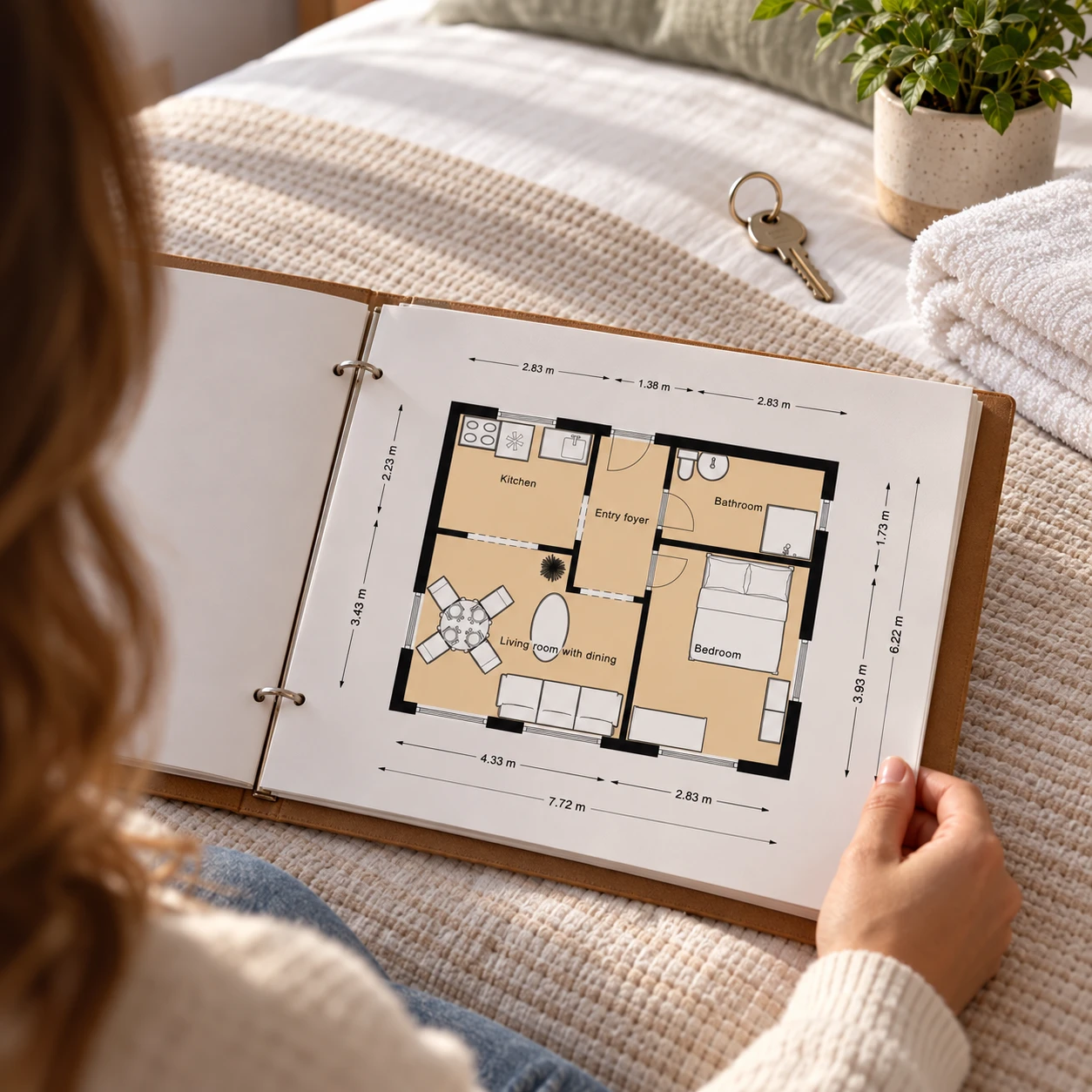
Airbnb and Rental Hosts
Add a simple floor plan to your listing photos or guest guide so visitors can see which bedroom has the double bed before they book.
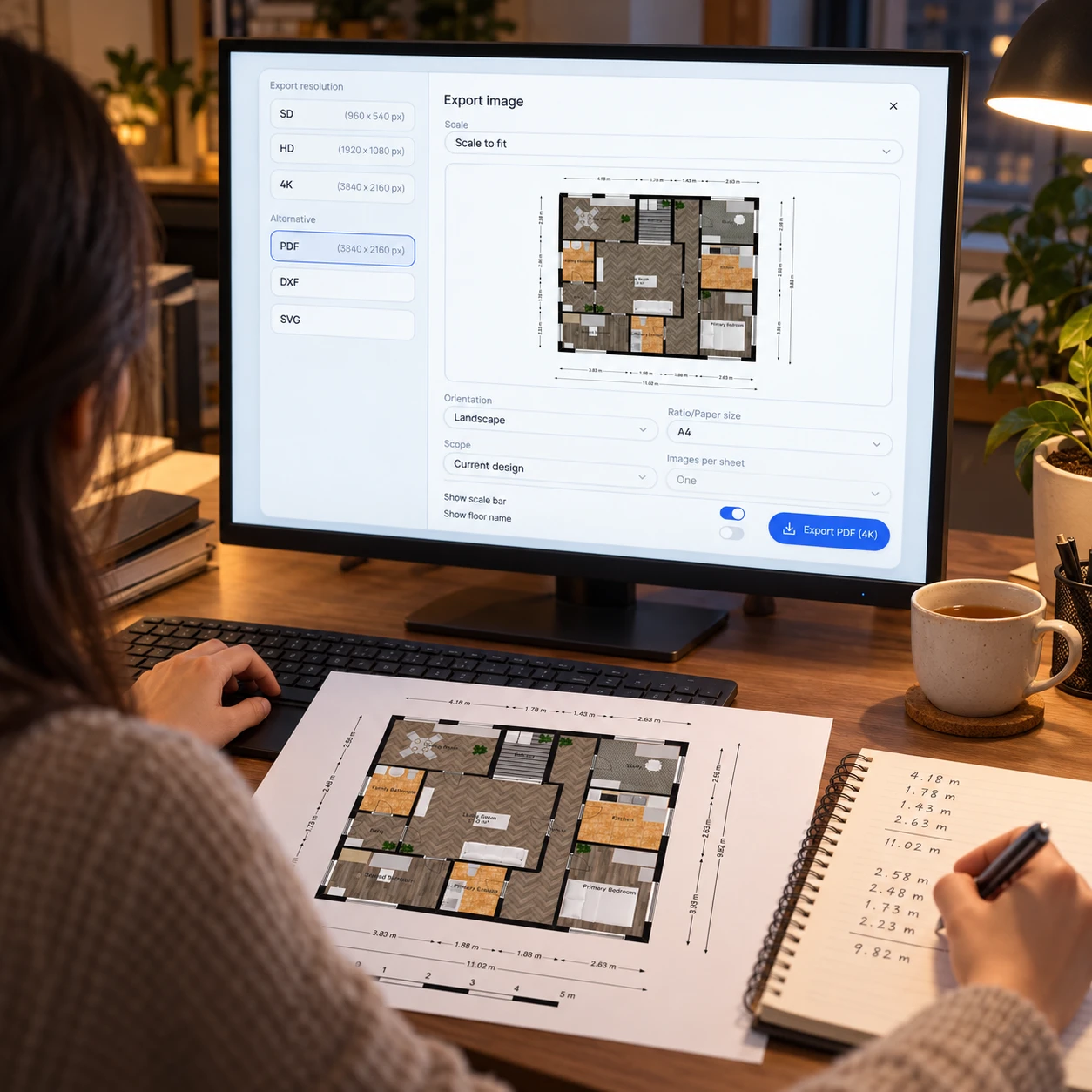
Freelance Drafters
Take fast client orders: adjust a template to the brief, then deliver PNG, PDF and DXF files from one export panel.
Simple Floor Plan Maker FAQ

Make Your Floor Plan Online Now
Scroll back up to the editor, pick a template or a blank canvas, and export your first plan as PNG, PDF, SVG or DXF.
✨ Free · No sign up · 49 templates · 4,000+ furniture items